JTL-CONNECTOR
Shopify ERP interface - centralized control with
JTL-Wawi

Over 50,000 online retailers rely on JTL software.







Integrate Shopify with ERP system: fast, clean, secure
Control your Shopify shop directly from JTL-Wawi – meta fields included. The Shopify connector keeps items, stocks and sales orders continuously synchronized – without duplicate data maintenance.
Fail-safe & scalable
Fully managed cluster hosting: JTL takes care of updates, monitoring and failover – you concentrate on your day-to-day business.
Using Shopify apps with JTL-Wawi
Manage meta fields centrally in the ERP system and control app extensions in Shopify – including base prices and Infinite Options.
More channels, same database
You can flexibly change the store system and add marketplaces and POS – without having to create new master data each time.
Many stores, many languages
Connect multiple Shopify shops in different languages with JTL-Wawi and manage items, customers and orders centrally.
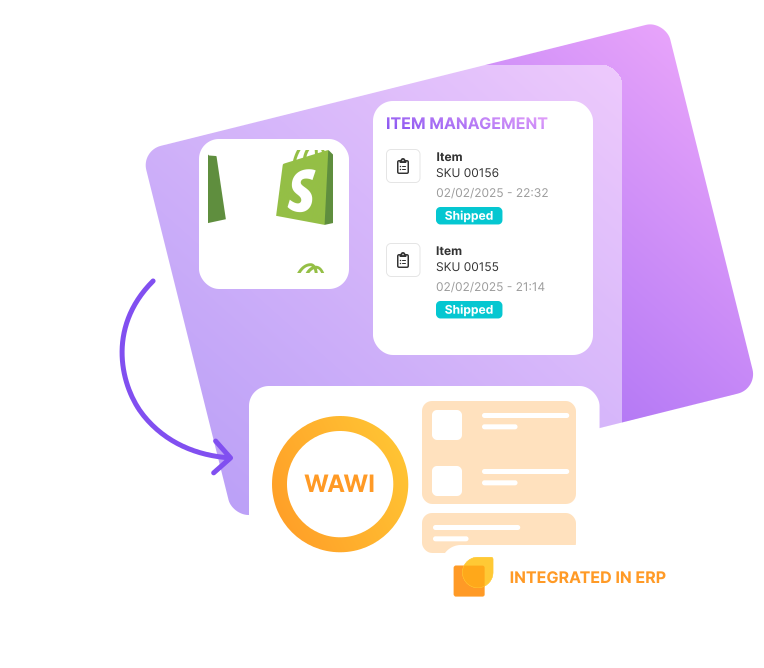
Shopify in interaction with JTL-Wawi
Advantages & functions of the ERP interface - clear & compact

FAQ for the ERP interface for Shopify
With the Shopify-Connector for JTL-Wawi, you can connect your online store with all other areas of your eCommerce. You control all work processes directly from the ERP system and manage items, customers and orders centrally in one place – with a high degree of automation. You seamlessly integrate marketplaces, additional online stores, checkout systems and fulfillment services; warehouse and shipping processes interlock seamlessly and efficiently. Listings and stocks are synchronized in real time via the ERP interface – no system interruptions and overselling, fewer errors and delivery delays, more satisfied customers.
After activation in JTL-Wawi, the Shopify-Connector connects the ERP with your Shopify shop. From now on, you no longer work in the Shopify back end, but exclusively in the ERP system. Item, price and inventory changes flow from JTL-Wawi to Shopify in real time via the interface; sales orders and customer data are automatically transferred from the shop to the ERP system, and status updates such as tracking IDs are transferred back to the shop.
Yes, you can connect several Shopify shops – even in different languages – to one JTL-Wawi. A shared data master facilitates maintenance, stock control and evaluation; individual store extensions remain possible. Changes to the master data are automatically transferred to the connected stores.
The Shopify-Connector is included in the free JTL-Start edition; there are no license costs. You can integrate multiple Shopify shops into JTL-Wawi at no surcharge. Transactions are billed monthly via flexible order packages – you choose the level that suits your sales order volume.
For newly created Shopify stores (from 24.01.2024) the transfer of personal data (PII) is restricted. A transfer is only possible if you use at least the Shopify package “Grow”. Alternatively, you can book the JTL ERP-Connector app directly in the Shopify App Store. You can find more information about the JTL ERP-Connector app for Shopify on the JTL blog.
You can find comprehensive help on integration in the JTL-Guide. There you will find the requirements, setup, initial data synchronization and instructions for ongoing operation. Step-by-step instructions accompany you from activation to the first sync; there are additional guides and examples for special cases. To the JTL-Guide.
Yes, the Shopify-Connector is operated by JTL as Software-as-a-Service on a server network (cluster hosting). JTL takes care of updates, monitoring and scaling; you do not need your own infrastructure. Cluster hosting ensures a high level of reliability (another server takes over in the event of temporary malfunctions) and distributes the load with many simultaneous accesses – stable and high-performance operation.
Our JTL service partners support you in setting up and using the connector and in controlling your Shopify apps. If required, they can develop plugins for special requirements. Thanks to the open source code, you can also develop and integrate your own connectors. You can find the right service partner for you using our search assistant.





