








JTL-POS

POS system for modern
retailers - free and
scalable

  • Mobile and works offline on tablets and smartphones
  • Compliant with GoBD / KassenSichV & TSE-ready
  • Integrated with JTL-Wawi and your eCommerce operations
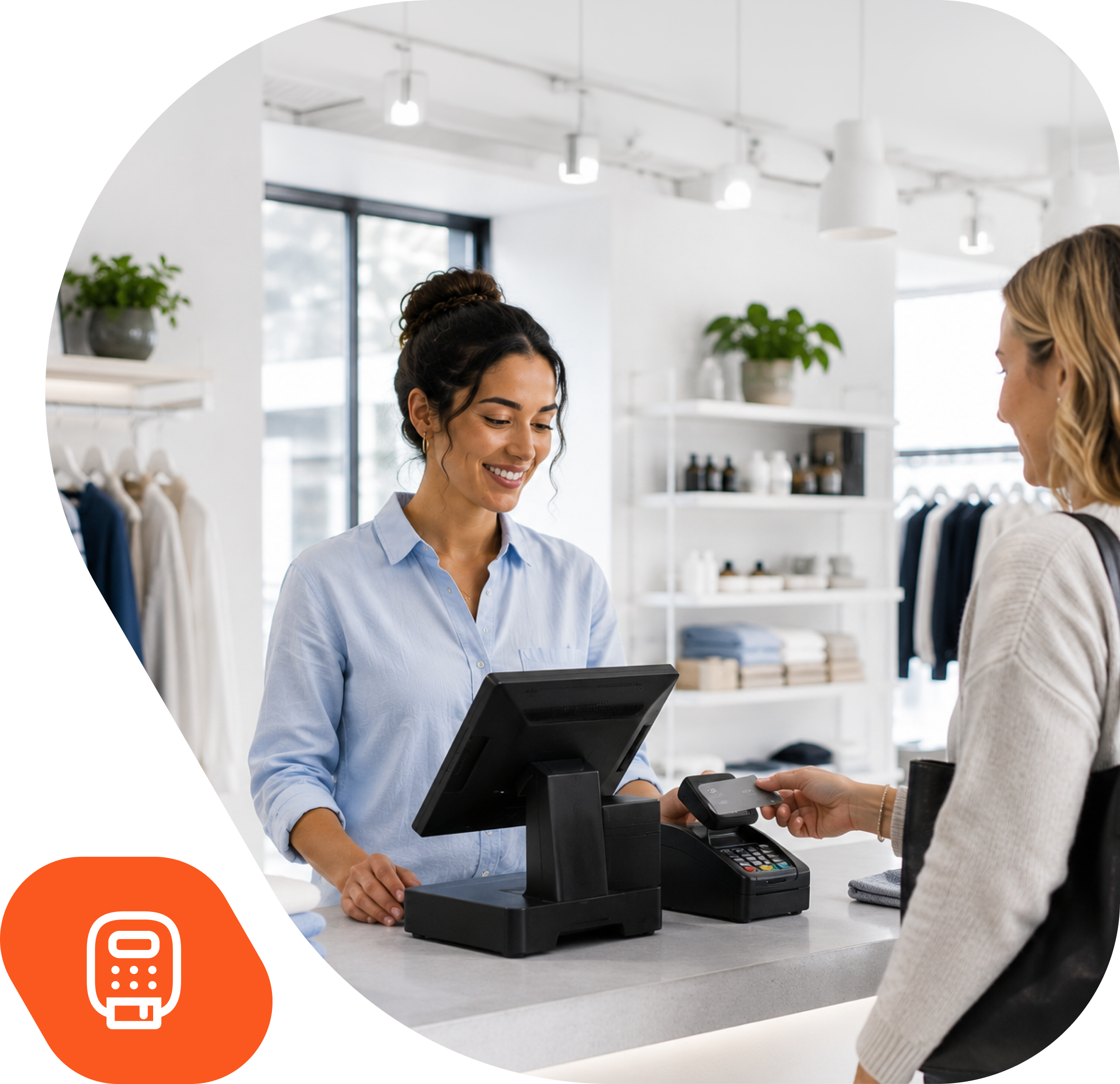
POS System JTL-POS mit moderner Touch-Oberfläche

JTL-POS is part of the proven JTL ecosystem

With over 50,000 active users in online & offline retail

Member of DFKA – German Association for Cash Register and Billing System Technology

Zeiss Logo
Ankerkraut Logo
Cineplex Logo
Flyeralarm Logo
Seeberger Logo
Stahlwerk Logo
Tedi Logo

Why choose JTL’s point-of-sale system? Your advantages with JTL-POS at a glance

Our flexible POS software is permanently free as an app and is suitable for new retailers as well as growing retail or hospitality businesses.

Flexible – in-store or on the go

Use it as a mobile or stationary cash register – and operate offline anytime.

Omnichannel-ready with JTL-Wawi

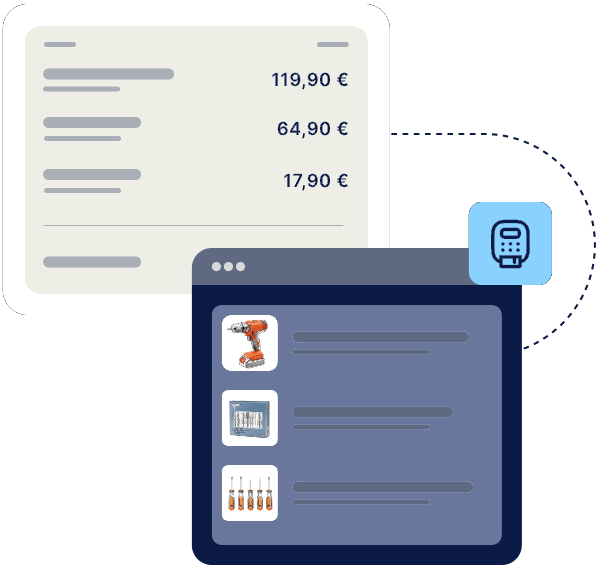
Connected to the JTL-Wawi ERP system – for centralized item, customer and inventory management.

Legally compliant in Germany & Austria

GoBD-, KassenSichV- & TSE-compliant, including cash register archiving and DSFinV-K export.

Simple setup & compatible hardware

Compatible with receipt printers, cash drawers, scanners, EC terminals and customer displays.

Get started without effort
With the integrated payment solutions from our partners

You not only save money, but also valuable time. It’s so easy to use that you can meet all your customers’ payment preferences right from the start. Click on the logos for more information on the provider terms.

Other related features & products
Voucher system
Create, sell & redeem vouchers. Online & offline.
ERP JTL-Wawi
Work smart instead of hard! The all-in-one solution for your retail business.

Must-have tools

Functions of JTL-POS in detail

Setup & backup
Assortment & customer management
Cash register operation
Reports & analytics
01
Simple setup
Storage of company details, currencies and tax rates. Flexible setup of the cash register including payment methods, DATEV integration and optional customer display.
02
User roles and permissions
Create users and user groups with individual rights - e.g. for cashiers, admins or store managers.
03
Configure printers & templates
Flexibly integrate receipt printers via USB, LAN, WLAN or Bluetooth. Customize print templates with HTML.
04
Import / export of data
Easily import and export article data, customers, printer settings and much more via CSV.
05
Set up email dispatch
Automatically send exported data and receipts to a stored email address.
06
Load demo database
First steps with preconfigured demo database including customers and items.
07
Back up & restore database
Save backups locally, on SD card or via email - easy restore via file manager.
08
Quick cash register setup
Transfer of master data without postings for setting up additional tills in seconds.
01
Manage categories & items
Structuring by categories and items with pictures, prices, stock and deposit amounts.
02
Variants & parts lists
Management of variations (e.g. colors/sizes) and parts lists with stock management of components.
03
Configurable items
Creation of individual setups such as side dishes or toppings with their own price.
04
Customer groups & discounts
Classification of customers into groups with individual discounts - e.g. dealers, regular customers.
05
Customer management
Entry of all relevant customer data including tax number, birthday data and discounts.
06
Define favorites
Quick access to frequently sold items, free items and prices via definable favorites.
07
Display parts list components
Display of the components included directly in the checkout process for complex items.
08
Stock display
Color-coded information when stock falls below the minimum stock level or is sold out.
01
Quick entry & article selection
Capture via SKU, GTIN, scanner or manual selection in list or gallery view.
02
Payment partners & flexible payment options
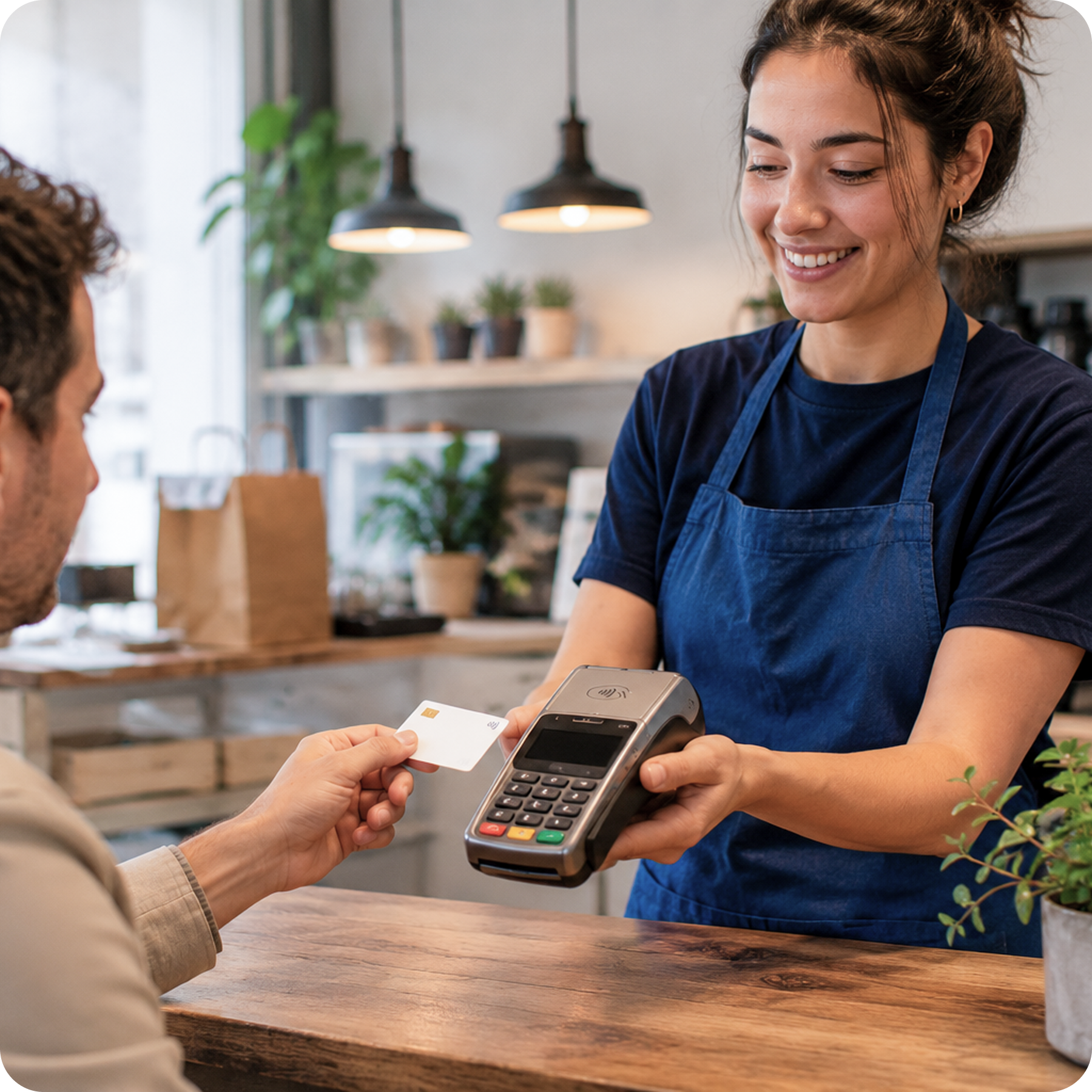
Integrated payment solutions from PayPal POS, SumUp, Mollie and First Cash Solution as well as cash, card or split payments with different services simultaneously.
03
Customer Display & Customer Loyalty
Display of purchase, total amount and advertising with individual texts, slideshows and videos during checkout.

Download JTL-POS Customer Display in the Google Play Store →
04
Digital & printed receipts
Issue receipts by email or printer, also with optional hospitality receipt.
05
Receipt processing & splitting
Edit, cancel and split receipts and manage parked or terminated sales.
06
Tip function
Easily add and post tip amounts during the checkout process.
07
Cash receipts/cash withdrawals
Management and documentation of cash movements, including the obligation to state the reasons for posting.
08
Calculator & free price entry
Integrated calculator for price determination and individual price setting for free items including quantity entry and tax selection.
01
X-Report (interim report)
Interim daily balance with sales data and receipt overview - can be printed or sent by e-mail.
02
Z-report (daily closing)
GoBD-compliant daily closing with cash balance, cash withdrawal and final report.
03
Carry out a checkout
Stock comparison possible at any time to compare actual stock with target.
04
View statistics
Evaluations over periods of time can be called up directly in the system.
05
Graphical statistics exports
Save statistics as CSV or image files and use them for further analysis.
06
Message log
Overview of all system notes and errors - helpful for analysis and troubleshooting.
07
Cancellation reports
Overview of all canceled vouchers with reasons - for traceability of returns.
08
Bon-Journal
Overview of all receipts - filtered by time period, status (paid, canceled, parked, etc.).

PRICES & AVAILABILITY

What does JTL-POS cost?

Download for free from the Google Play Store
Each POS device used requires a licence costing €29 per month – regardless of the JTL edition. In the free JTL Start edition, the ERP connection is limited to one POS device. With JTL Advanced, you can connect 3 POS devices to JTL-Wawi, and with JTL Pro, a maximum of 5; with JTL Enterprise, an unlimited number of ERP connections is possible.

Optional: Add-ons & hardware
Extensions, TSE setup & hardware conveniently available in our hardware store.

POS system

How to start with JTL-POS

01
Download & Installation
Download JTL-POS from the Google Play Store and install it on your Android device.
02
Connect with JTL-Wawi (optional)
Simply connect to JTL's ERP system and manage centrally.
03
Checkout & scale
Get started right away - expand with a certified JTL service partner if required.

Further information on cash register operation and hardware can be found here:

Bastian Dogmono Zitat

We opted for JTL because the individual products complement each other perfectly and we were able to use the full range of functions straight away despite the low entry-level prices. It really is the perfect software for our multichannel business.

Learn more

Get to know the POS system in the video

Experience the most important functions at a glance - short, understandable and practical.

Frequently asked questions about the POS system JTL-POS

You can download the JTL-POS app for free from the Google Play Store. The connection to the ERP system costs €29 per month per device. There are optional costs for support or add-ons depending on your requirements.

Yes – JTL-POS fulfills all legal requirements in Germany (GoBD, KassenSichV, TSE) and Austria (RKSV).

Yes – a corresponding set-up service for a TSE module can be carried out via remote maintenance.
Find out more about the TSE set-up service.

Yes – the app is fully offline-capable. Data is stored locally and synchronized later if required.

JTL-POS is compatible with numerous receipt printers, cash drawers, scanners & EC terminals. Find your suitable POS setup in our hardware store.

JTL-POS is currently only available for Android.