It’s been a bit quiet recently in our blog about our point of sale system JTL-POS. But that was just the calm before a storm of news. Because the many hours of development that we have recently invested in our POS system are now paying off as we can announce two highlights today: JTL-POS is “ready for Austria” and we are presenting the new generation of JTL-POS CustomerDisplay with an improved display and a significantly expanded range of functions.

Austria, the cash desk is open!
JTL-POS says “Grüß Gott” – because now that our cash register has firmly established itself on many store counters in Germany and Switzerland, it is now also ready for the summit assault on the cash register counters of the Alpine Republic of Austria. JTL-POS now supports the Cash Register Security Ordinance 2017 (RKSV), which bundles the national legal requirements for the tamper-proofing of cash registers – such as the signature requirement when issuing receipts. In concrete terms, this means that in combination with a compatible signature card, you can now use JTL-POS to collect payments in Austria with legal certainty and peace of mind.
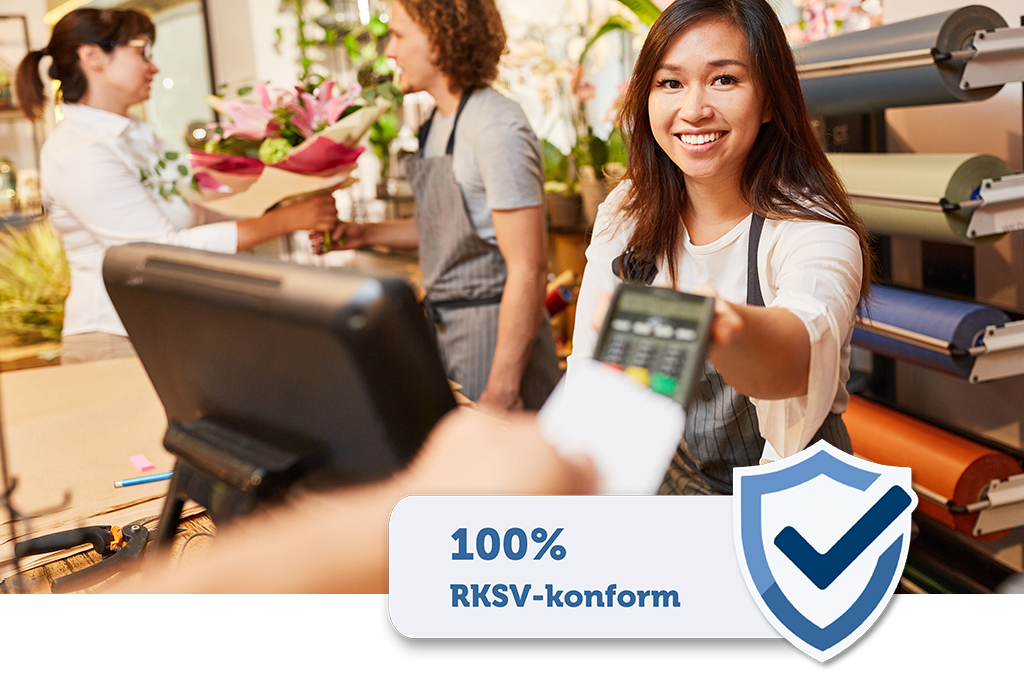
All you have to do is integrate the certified smartcard “a.sign RK Chip” into JTL-POS, which you can obtain from the A-Trust webshop. The Austrian company specializes in IT security solutions and offers you hardware on its platform with which you can get started quickly and easily. Unlike a cloud solution, the smartcard signs offline directly in the POS device or in the local POS network. To do this, you insert the smartcard into a USB adapter, which you can also order from the A-Trust webshop, and insert it into the Android device on which you have installed JTL-POS. For the subsequent setup, simply follow our start-up guide in the JTL-Guide:
Before you use the cash register in your day-to-day business, please remember to have your initial receipt created during setup checked via FinanzOnline.at. Please also note that the certificate is valid for five years.

JTL-POS CustomerDisplay 2.0 - How to make an impression with your cash register!
Now let’s jump to the other side of the checkout counter and take a look at our new customer display, which comes in version 2.0 with a fresh look and an extended range of functions. For those of you who don’t have our extension for JTL POS on your screen: With the free Android app JTL-POS CustomerDisplay you can show your customers the checkout and payment process on an external additional device.
Compared to the previous version, JTL-POS CustomerDisplay 2.0 offers you significantly more setting and customization options. Before we give you an overview, here are the hard facts: Android 7.0 and JTL-POS 1.0.8.5 are required for use.
Customer display and advertising display in one app
JTL-POS CustomerDisplay 2.0 offers you two modes between which you can switch flexibly depending on your current requirements:
Full screen instead of split screen for undivided attention
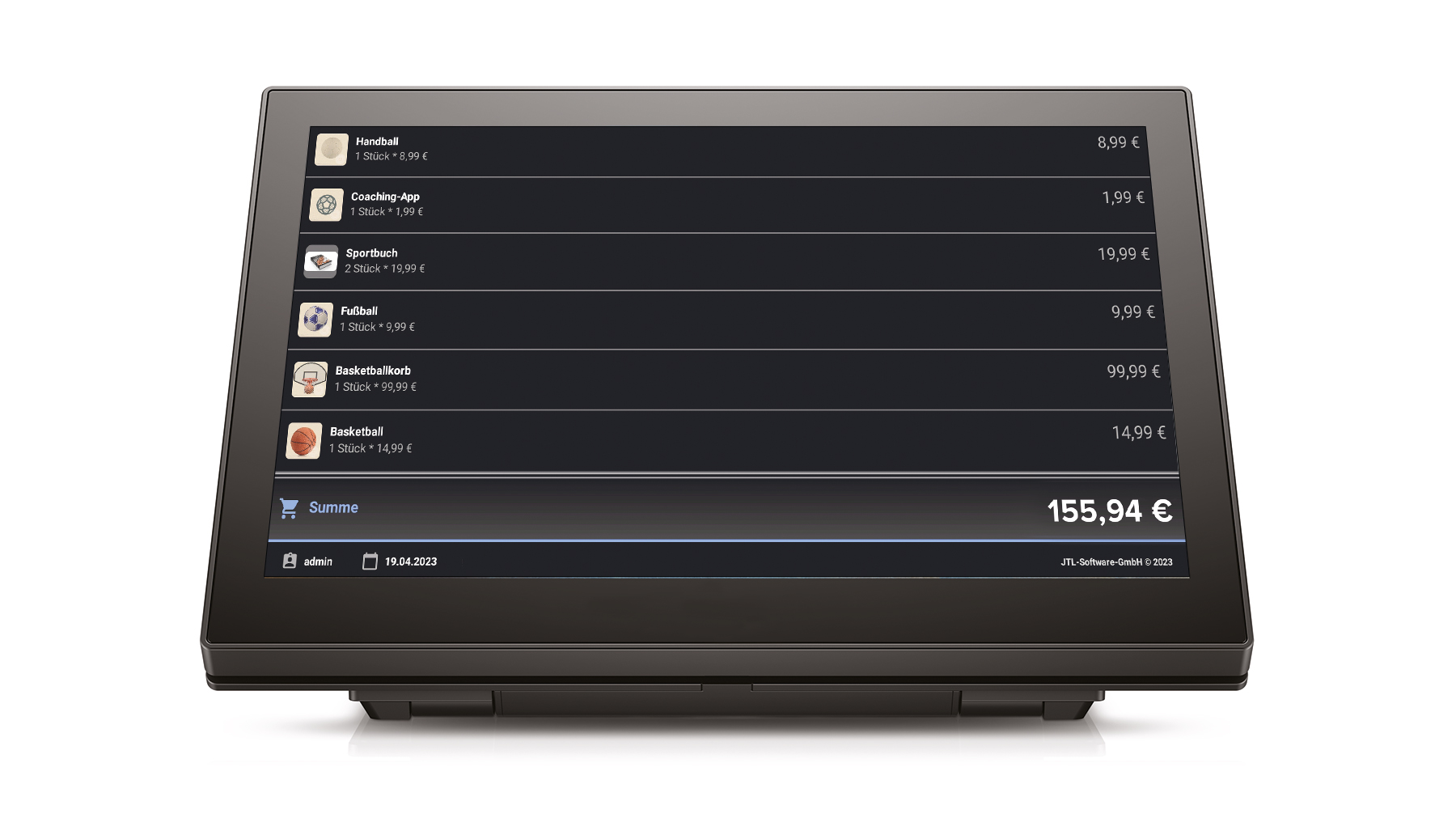
Overall, we have given the display surface a comprehensive makeover. For example, a new dark mode in the customer view provides modern radiance. The second new feature that catches the customer’s eye is that there is no longer a split screen, instead your content is displayed across the full width of the screen. This not only looks tidier, but relevant information can also be read effortlessly on 10-inch monitors at a distance. Thanks to the unsplit screen, your advertising banners are twice as visible and you have more scope for design.
Cashier view with new look and blocking function
It’s not just the full screen and chic dark mode that enhance the customer display. The item images that are displayed for all purchase items during the checkout process also make the customer screen an eye-catcher and set your point of sale apart from conventional points of sale. To further strengthen your brand, you can create individual colour schemes, texts and many other settings to personalize the design in the JTL-POS display management.
This also means that you can define an individual lock screen that is always displayed when you interrupt the display via the new quick access in JTL-POS. The lock screen is useful if your checkout is temporarily unmanned or you are checking customer data that no one else should see – for data protection reasons alone.
Personalize advertising display with text, slideshows and videos
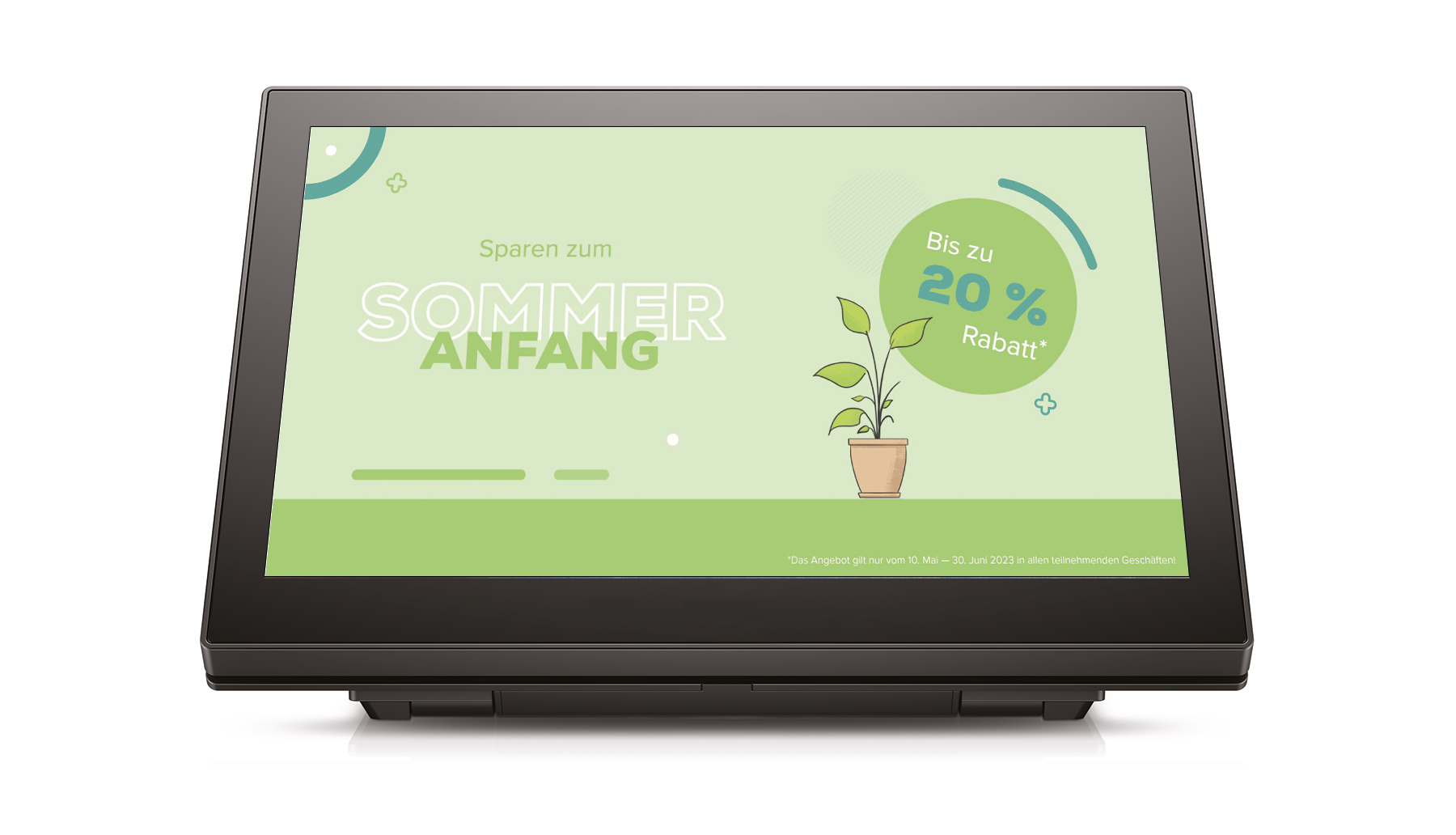
A highlight of JTL-POS CustomerDisplay 2.0 is definitely the high degree of customizability, which opens up completely new possibilities for you, especially when using the advertising display. You can now choose between displaying text, images and videos. You can integrate your images into an attractive slideshow and set the intervals of the image sequence yourself. When uploading, the app supports you with tips on the optimum image size to present your advertising graphics in the best possible way according to the requirements and possibilities of the monitor. Do you have your own product or image videos on YouTube? Perfect! With the new video function, you can also play these on the display, e.g. by creating playlists with autoplay. Of course, you don’t have to choose a specific advertising mode, but can switch flexibly between the functions.
A customer display no longer comes alone
Would you like to exploit the full potential of JTL-POS CustomerDisplay 2.0 and use it for several purposes at the same time instead of switching between the individual modes? No problem, because from now on you can integrate as many customer displays as you like into your checkout! Use one customer display to show the checkout process and another display in parallel to present your advertising. Or distribute several advertising displays in your store – such as TV monitors above the checkout counter or in the shop window – to ensure maximum visibility for your marketing content. The only requirement is that the devices run on Android and are in a shared network with JTL-POS.
For your convenience, you can manage all additional devices centrally and clearly in the new JTL-POS display management. You can see the respective connection status and assign different content to each display or switch individual screens on and off using the lock screen function mentioned above.
By the way, if you’re wondering how much you’ll have to pay for the app in the future due to its wide range of functions, let me emphasize once again: JTL-POS CustomerDisplay is still free of charge!
High user-friendliness right from the start
In addition to the improved functionality, in the 2.0 version of JTL-POS CustomerDisplay we have paid particular attention to making the app intuitive and self-explanatory. All setting options in the JTL-POS display management are now provided with short explanations that provide information about the respective function. Even setting up and connecting the POS device to the customer screen is now almost child’s play. When you open the app for the first time, a tutorial awaits you on the start screen to guide you step by step through the setup process – from the network settings to the setup of the display.
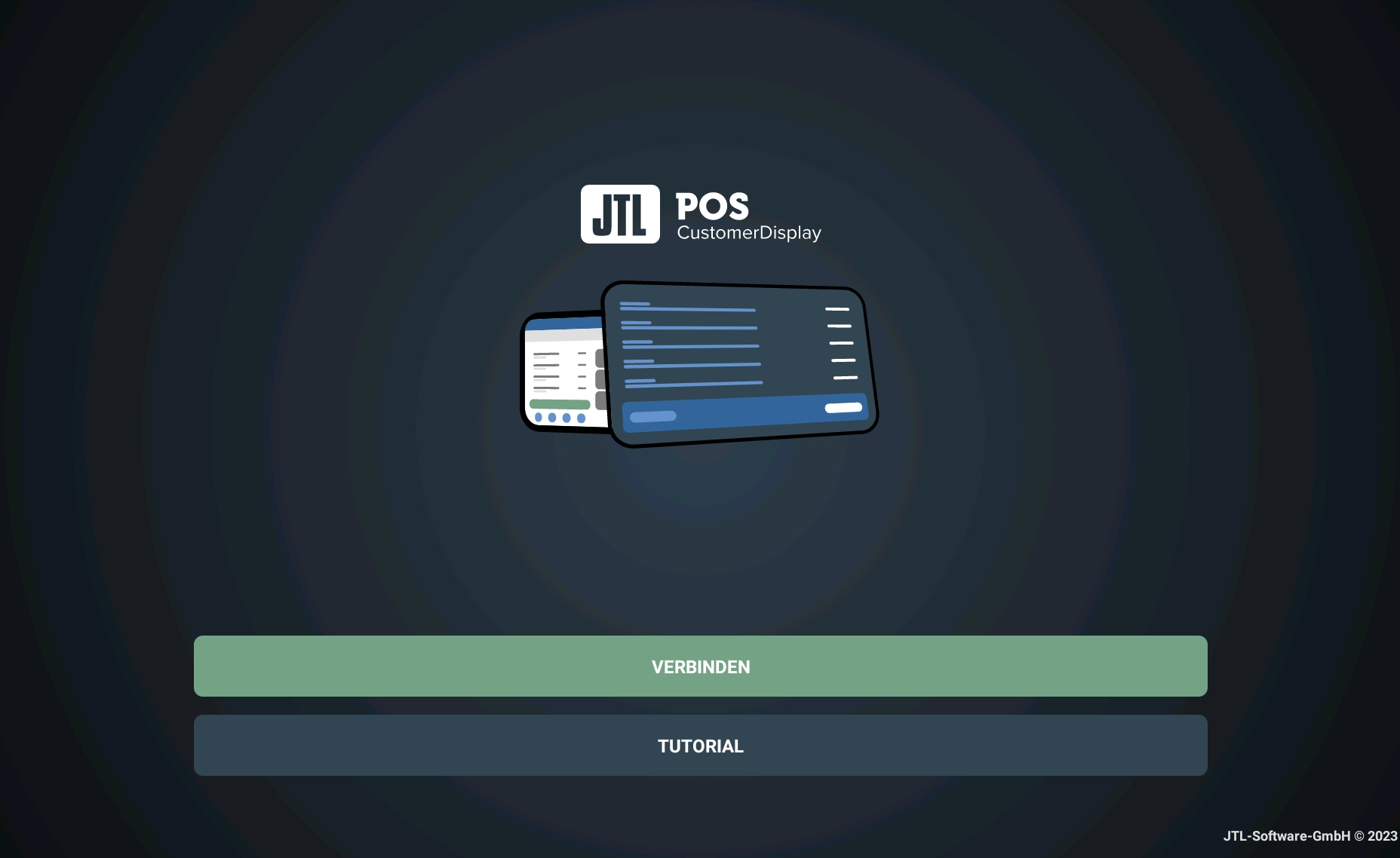
Smart automations support your quick start: To connect the devices with each other, you no longer have to manually assign the IP address of the display; instead, JTL-POS CustomerDisplay 2.0 generates a QR code that you simply scan with your mobile POS device. This makes setup much more convenient, especially if you want to connect several advertising displays directly to your POS system.
Even if you are already using our customer display in your store, we recommend that you set up the app again in version 2.0. This will guide you through the new settings. It is also worth taking a look at our updated documentation on the JTL-POS CustomerDisplay in the JTL-Guide.
Get your customer display in position!
Are you ready for a state-of-the-art point of sale, but still lack the right Android device to use the customer display? Then take a look at our JTL-Store. There you will find a selection of tested hardware that harmonizes perfectly with our POS apps.
You already have a second Android-based device and would like to try out JTL-POS CustomerDisplay 2.0 right away? Then download the app now free of charge from the Google Play Store: