JTL-Issue Tracker - product development at a glance
https://issues.jtl-software.de
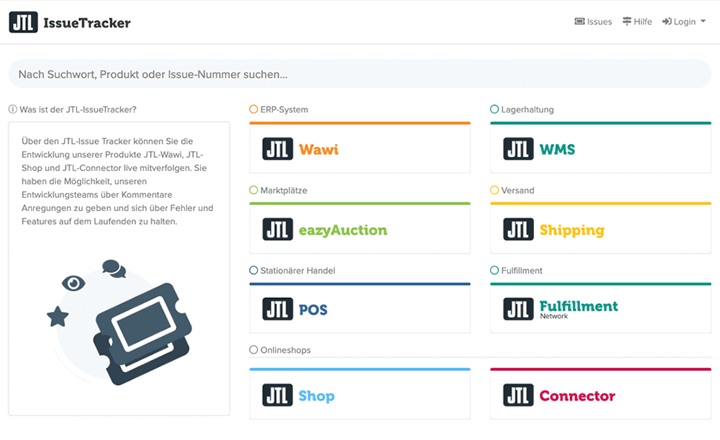
You can follow the development of our products JTL-Wawi, JTL-Shop and JTL-Connector live via the JTL-Issue Tracker. You have the opportunity to make suggestions to our development teams via comments and keep up to date with bugs and features.

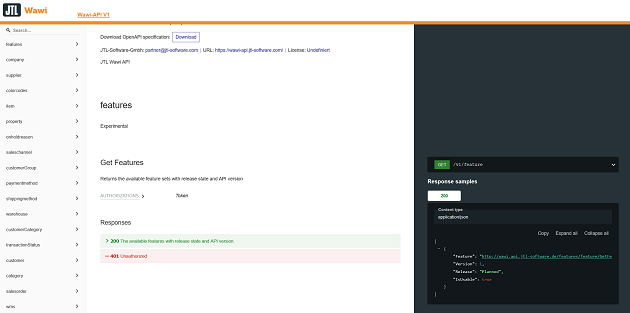
JTL-Wawi: Database & .dll documentation
https://wawi-db.jtl-software.de
https://developer.jtl-software.de
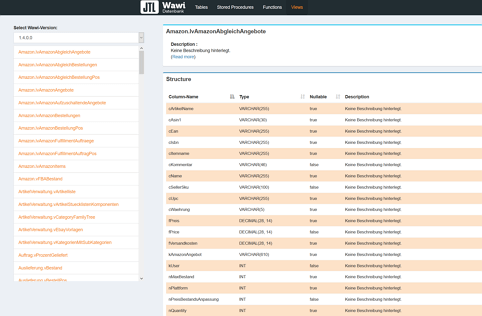
You can view changes to the JTL Wawi database in the database & dll documentation.
Our merchandise management system does not have a stand-alone plug-in module. However, there are numerous interfaces that you can use to map many of the applications you require on a daily basis. Here are your options:
You can use the database to:
Some retailers have a healthy respect for accessing the database directly. However, the methods described above are a good way of ensuring that the data in your database remains consistent and that database integrity is maintained. Contact an appropriately experienced service partner if you do not have an in-house database expert.
Contact our product support team with a specific description of your request. Our colleagues will then forward you to an appropriate expert at JTL.

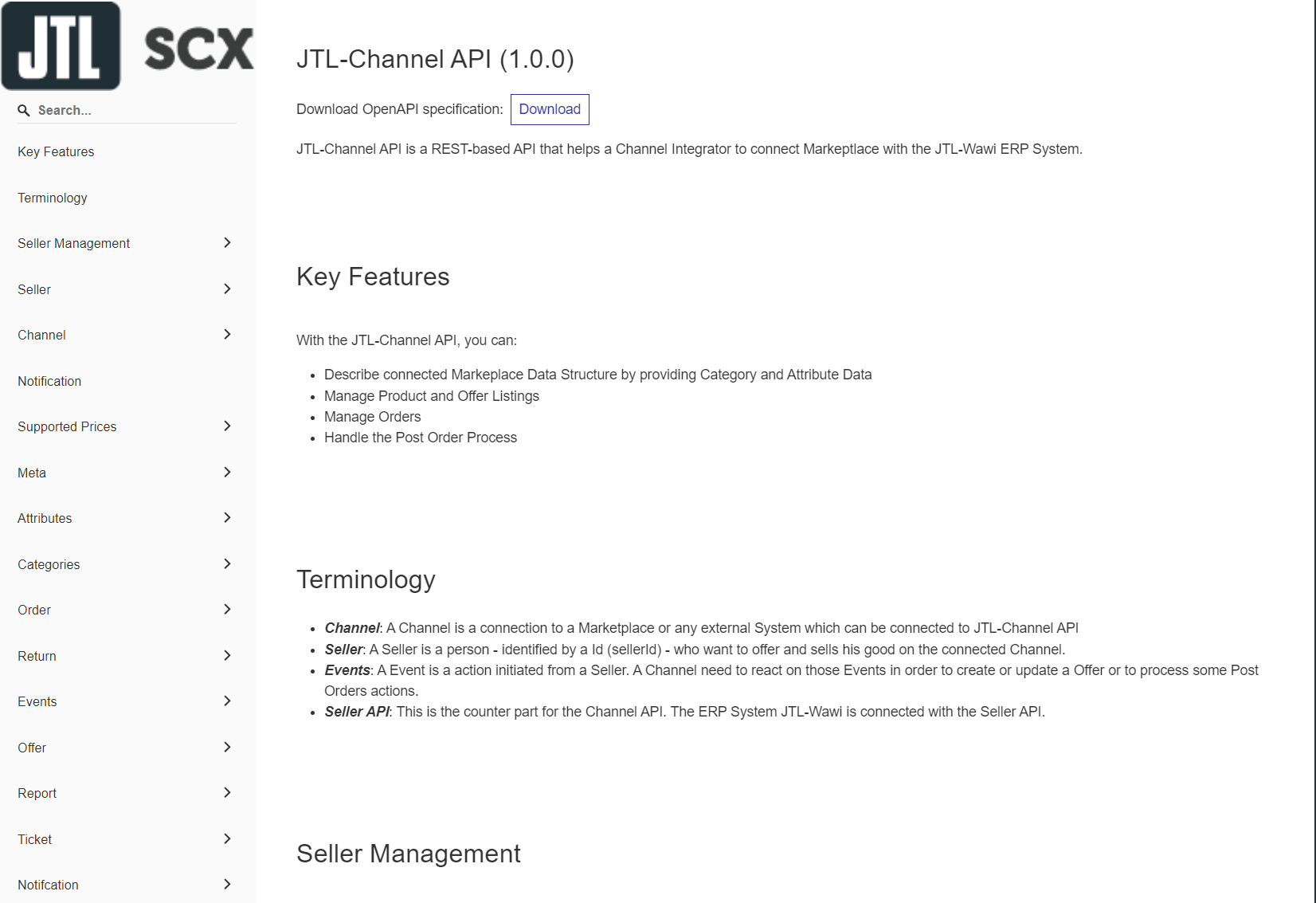
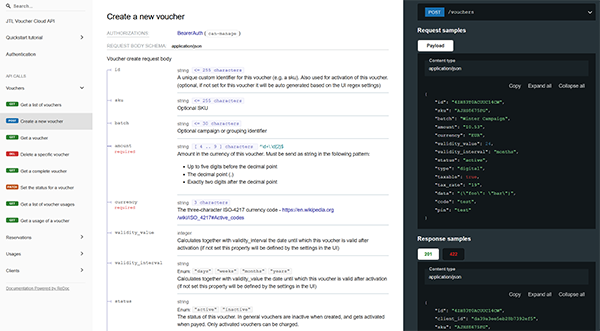
JTL-SCX: REST-API
https://scx-sandbox.ui.jtl-software.com/docs/api_channel.html
If you would like to use the JTL-SCX API, you can find it documented here in English by JTL. The API serves integrators and operators as a binding reference for the correct connection of marketplaces in the context of JTL-eazyAuction via Sales Channel Extension (SCX). The corresponding GitHub project can be found here
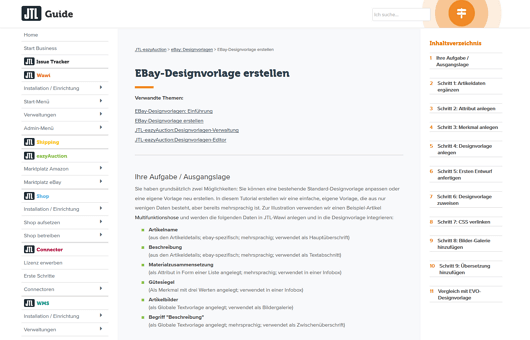
JTL-eazyAuction: eBay design templates / template documentation
https://guide.jtl-software.com/jtl-eazyauction/ebay-designvorlagen/ebay-designvorlage-erstellen/
If you want to know how to customize eBay listing templates using the dotLiquid editor integrated in JTL Wawi, our user documentation will give you a first insight.

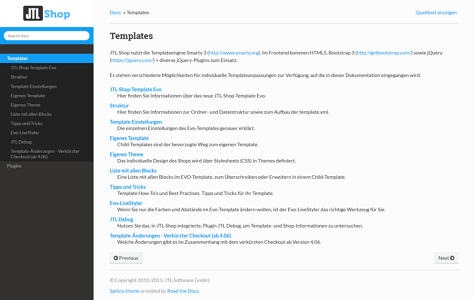
JTL-Shop: Template documentation (DE)
http://docs.jtl-shop.de/de/latest/shop_templates/index.html
JTL-Shop uses the Smarty 3 template engine. HTML5, Bootstrap 3 and jQuery + various jQuery plugins are used in the front end. There are various options available for individual template customizations, which are discussed in this documentation.
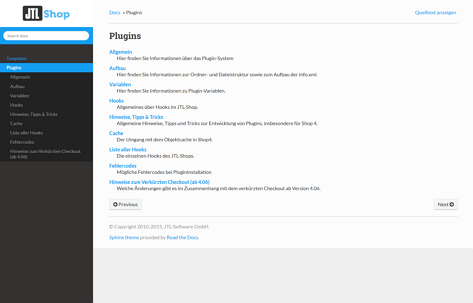
JTL-Shop: Plugin documentation (DE)
http://docs.jtl-shop.de/de/latest/shop_plugins/index.html
The plugin system in the JTL store makes it possible to add all kinds of additional functionalities to the store without modifying the store code. In the documentation you will find information on the folder and file structure of plugins, plugin variables, all information on hooks, tips and tricks for development, information on handling the object cache and possible error codes.
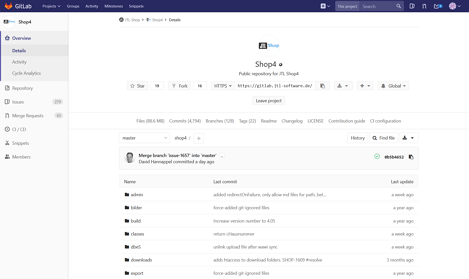
JTL-Shop: GIT repositories
https://gitlab.com/jtl-software/jtl-shop/core
Developers can find the files for the JTL-Shop project in the corresponding Git repository. As this is a public project, no login is required for access.



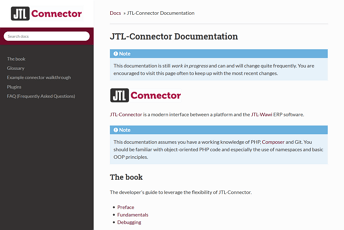
JTL-Connector: Developers documentation
https://jtl-devguide.readthedocs.io/projects/jtl-connector/en/master/
This documentation covers the JTL-Connector interface, which can be used between any platform (e.g. an online store system) and the JTL-Wawi merchandise management system. It covers the basics of the system, an example project and the expansion of interfaces via plugins.
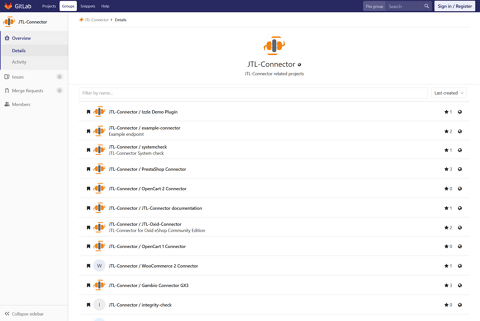
JTL-Connector: GIT repositories
https://github.com/jtl-software?q=connector
Developers can find the files for the JTL Connector project in the corresponding Git repository. You need a login for access, which you can request from JTL.