Stationary retail, here we come – true to this motto, we are launching the open beta of our POS software JTL-POS today. There has already been some information about the new product in forums, social media groups, at JTL-Connect 2018 and the last JTL-Partner Convention. With the large-scale launch of the official test phase, however, we want to provide even more of our customers with information about what JTL POS actually is.
Checkout for stationary retail
For many retailers, JTL products are synonymous with the term online business. Even though we have already fueled multichannel commerce in various corners of the product cosmos, we want to take an even more consistent step in this direction with our POS software.
JTL-POS is available to all users of an Android mobile device – free of charge. We will continue to pursue this approach after the official release: Our point of sale system will always be available as a standalone version in the Google Play Store free of charge. Even if you connect JTL-POS as an ERPConnected version with JTL-Wawi, the first POS will remain free of charge. Only if you want to integrate additional POS systems into the ERP system will you need to purchase fee-based licenses for their use.
Functionality in beta test
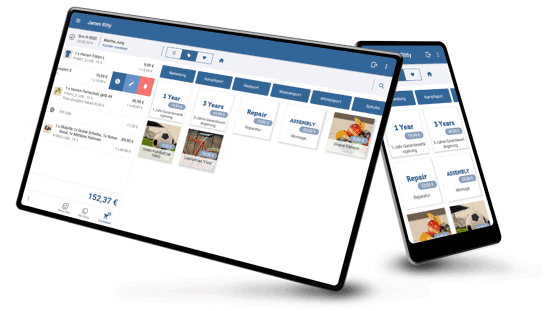
We are already providing you with a fully functional and multifunctional basic system of our cash register in the open beta. The entire POS software works on an Android basis, so it is particularly suitable for mobile devices, whether tablet or smartphone.
JTL POS already offers a range of basic checkout functions, which we will continue to expand both during and after the beta phase. For example, it contains extensive item and assortment management, enables secure checkout through user and rights management and provides clear statistics for evaluating relevant business figures. Here is an overview of many of the functions:
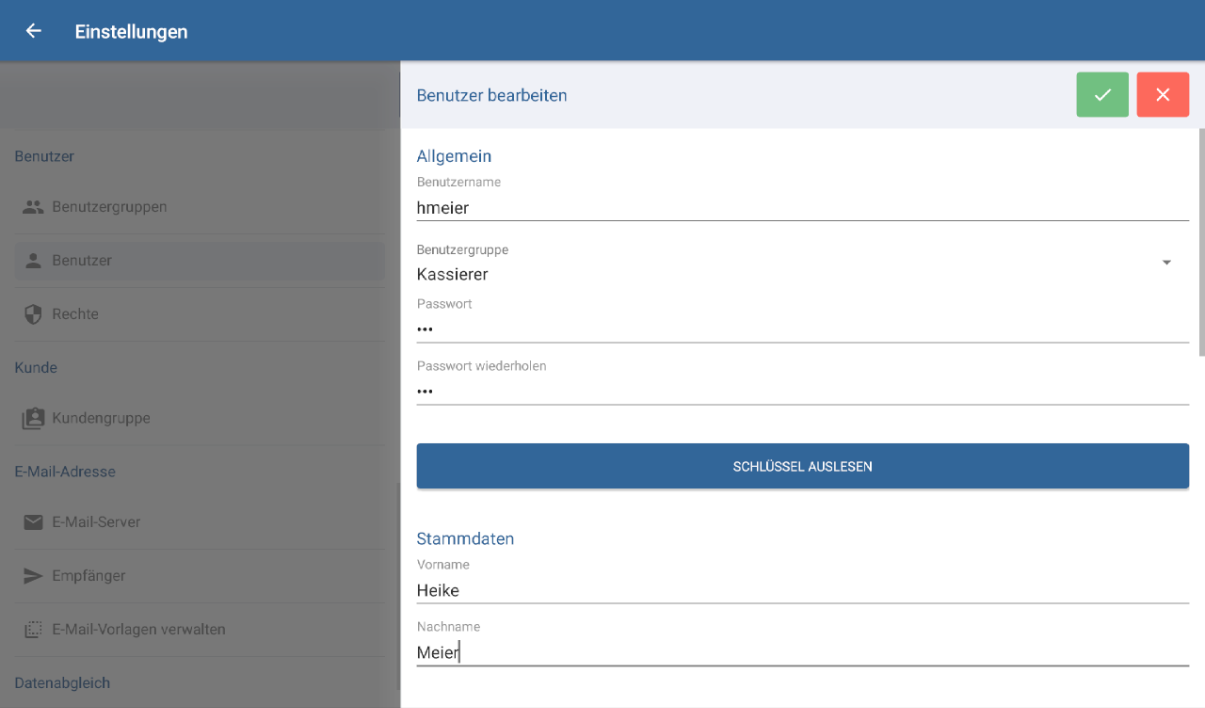
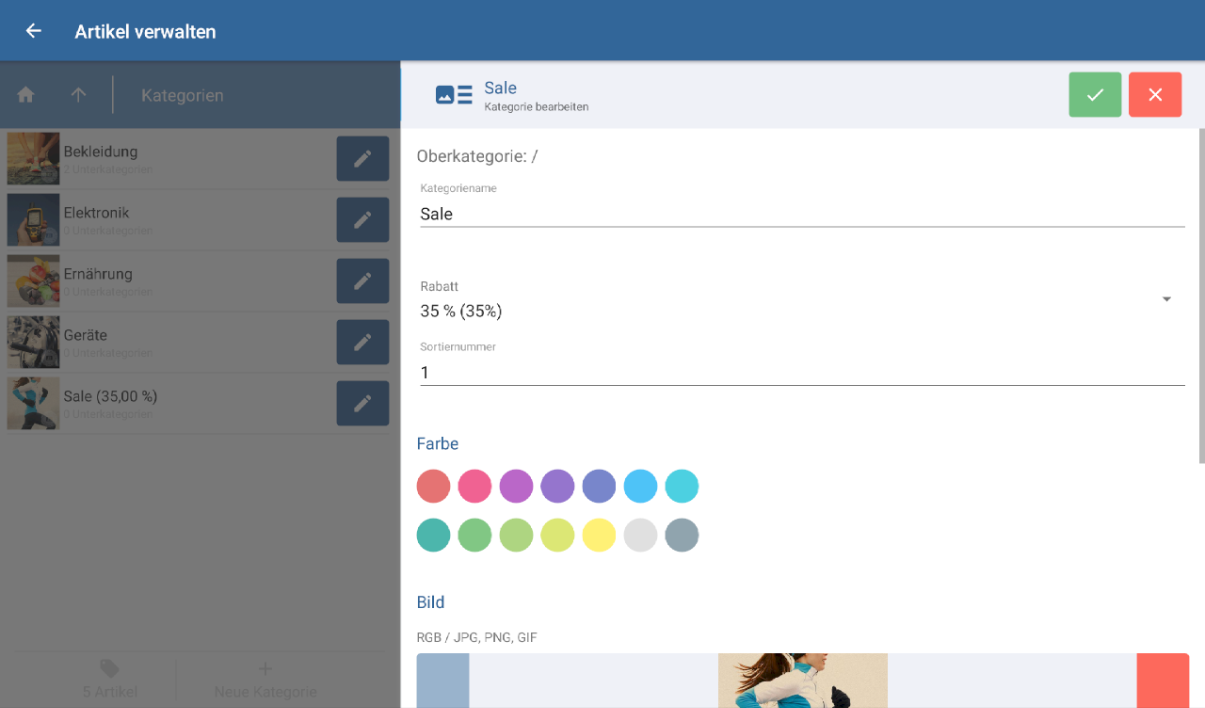
We will of course continue to expand this basic framework after the start of the open beta. The same applies to the integration of payment providers and hardware manufacturers. However, due to the current beta test nature of the cash register, we would advise against full productive use for the time being.
JTL-POS Customer Display
If you want to provide your customers with an overview of the payment process, you can use the customer display, our free companion app for the checkout software. This way, shoppers can not only see which items you have booked and how much they have to pay. You can also use the point of sale to advertise promotions or your online presence.
JTL-POS in the JTL product cosmos
Speaking of online presence: you can expand the point of sale system with our strong product line-up right from the start of the open beta. This is because the POS software can be connected to JTL-Wawi to manage your product range, record incoming and outgoing goods and compare them with a possible online store. This opens up completely new sales channels for retailers that were previously purely stationary.
Participation in the Open Beta
Are you interested in testing JTL-POS? Participating in the open beta is very simple: First of all, you need a mobile device based on Android version 5.0 or higher. Download the app from the Google Play Store and the first step is done. Then choose whether you want to register directly or just test a little first. Ideally, you should set up a receipt printer, create the first item and you are ready to make your first sale via the new point of sale system.
Details on the interface with JTL-Wawi as well as other checkout functions and much more can be found in the JTL-Guide. Any missing points in the documentation will be added in the coming days and weeks.
Of course, your feedback on this new product is particularly important to us. Please let us know in the Google Play Store itself or via the JTL forum. We evaluate all feedback, track events and incorporate the information into the further development process. We will keep you up to date on the next development steps and changes to the beta test status in the coming weeks.