The release of JTL-Shop 5 is getting closer: With today’s RC 3, we are releasing what will probably be the last version before the long-awaited major release. Although we are still fixing bugs and making minor improvements in the background, the RC is otherwise “feature complete”. For you, this means that you can already put many of the new functions through their paces.
What are they? We have summarized them for you below:
Important changes in the front and back end
JTL-Shop 5 can be regarded as a real milestone within our online shop software, which significantly develops and improves on its predecessor JTL-Shop 4. And this applies to both the daily work with the software and its maintenance.
One of the biggest innovations is the numerous design options for the front end: with the new “NOVA” template, we have succeeded in modernizing the front end and adapting it to today’s requirements for a contemporary look.

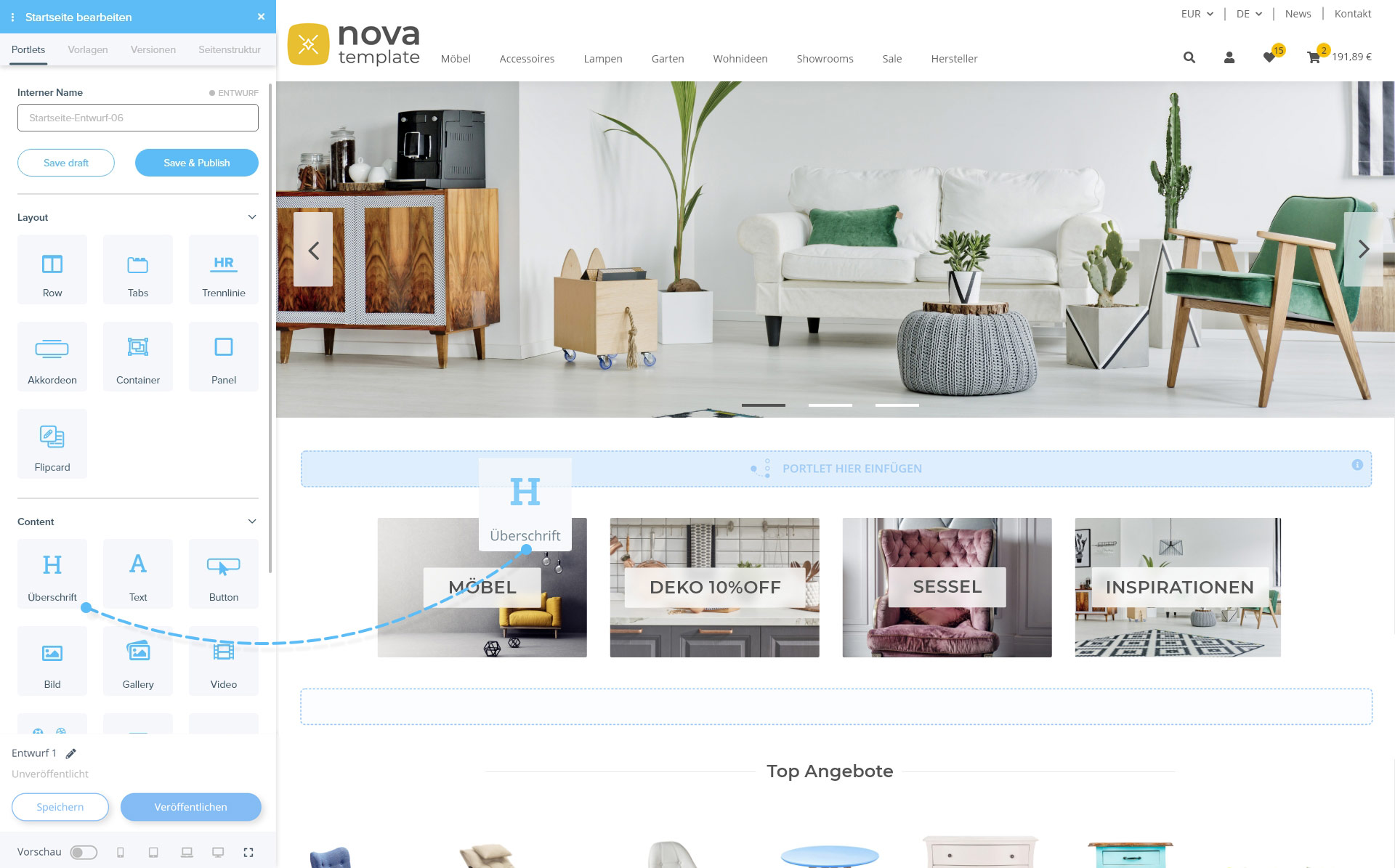
You can make visual changes directly in the front end with the new OnPageComposer: Components such as images, text or videos – known as portlets – can simply be dragged and dropped to the desired location.
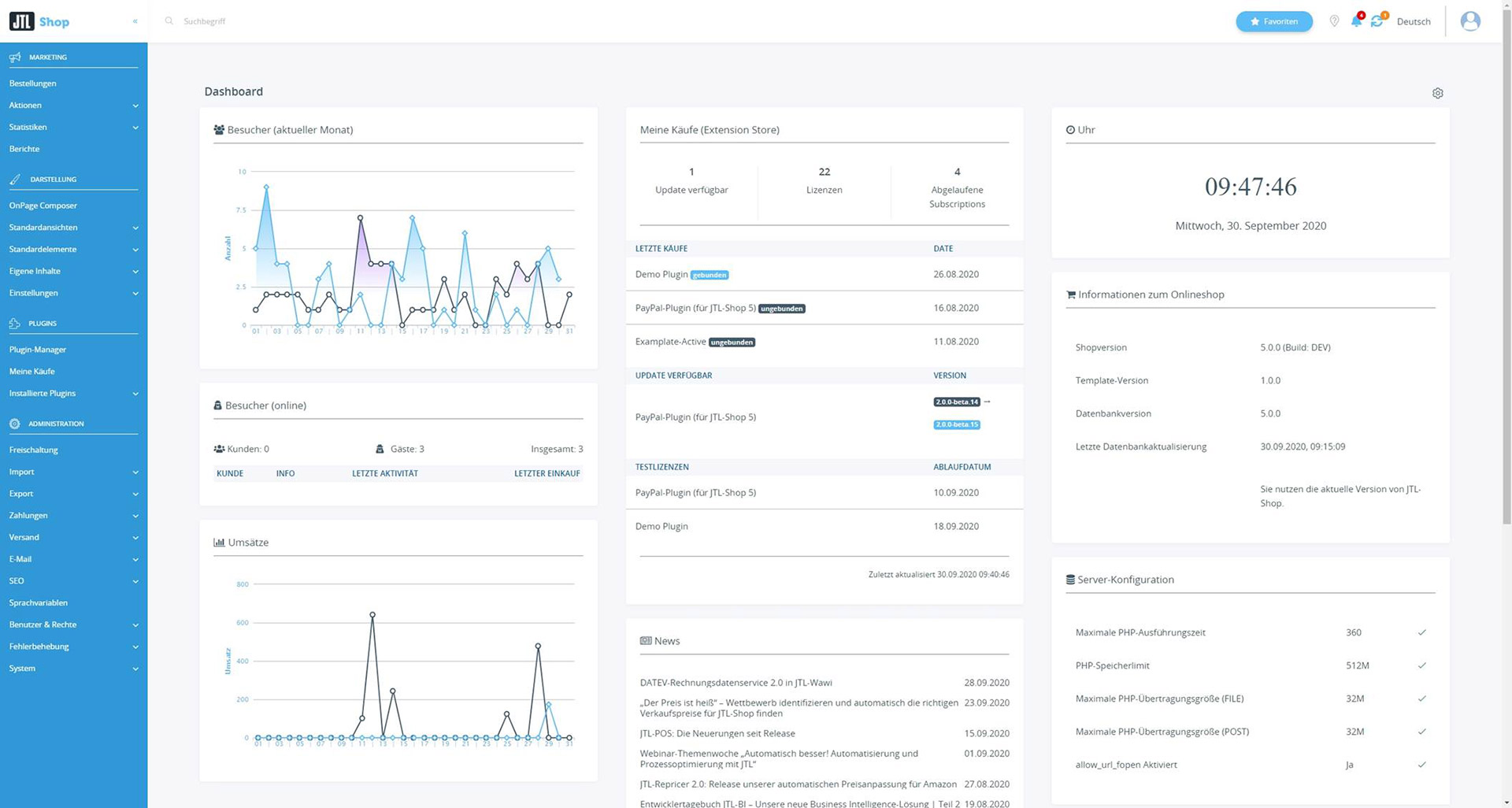
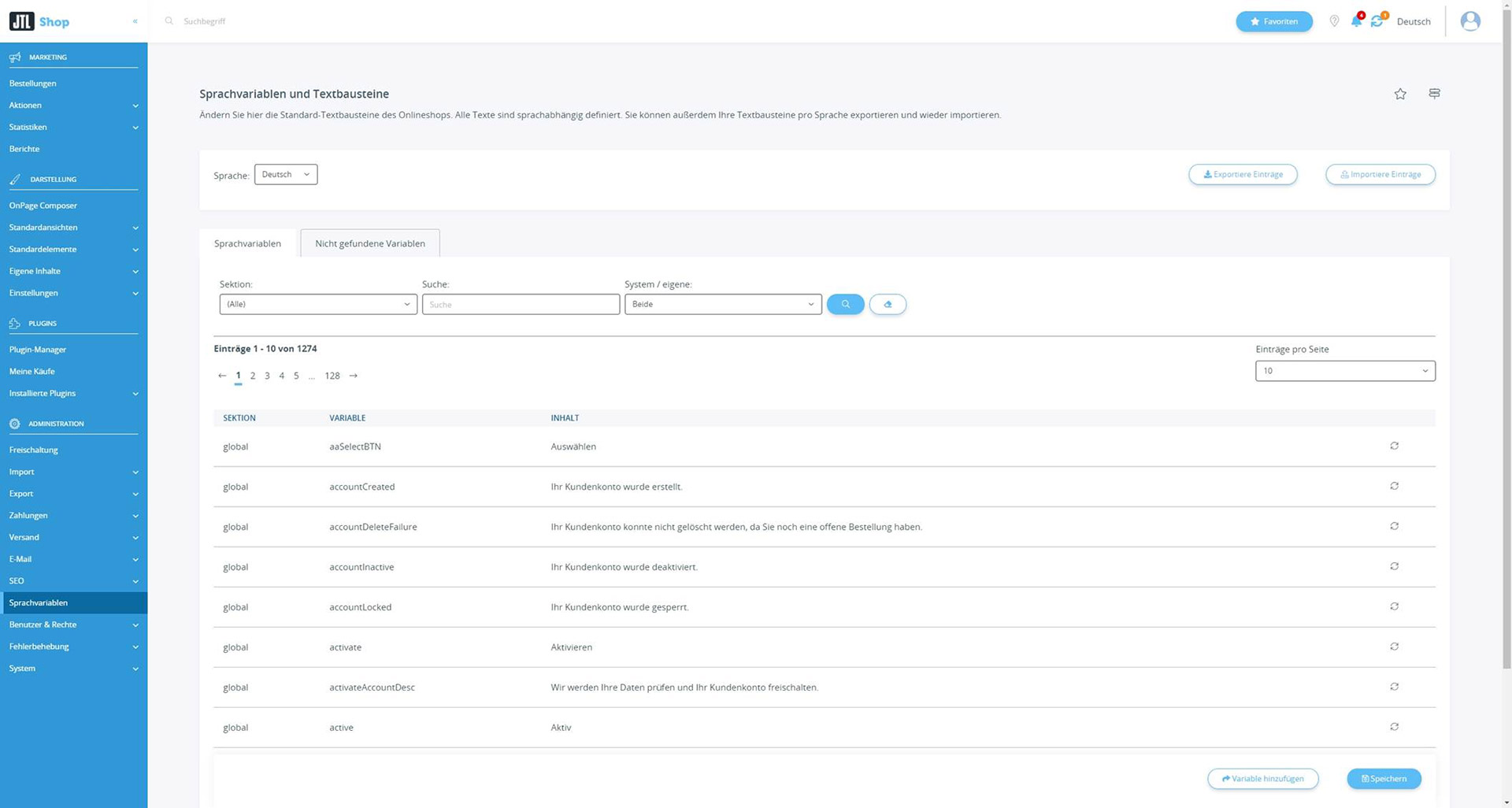
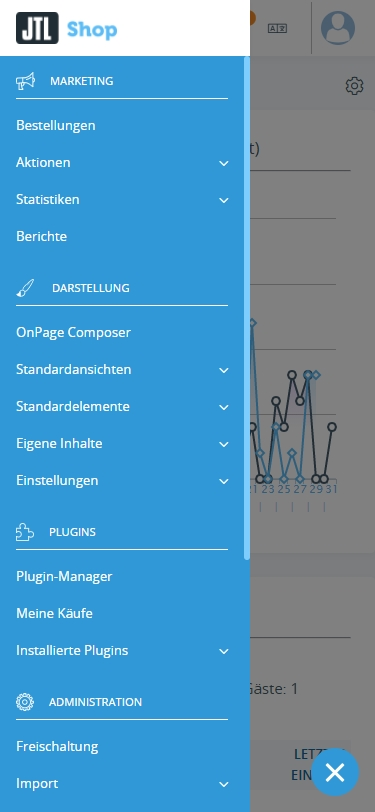
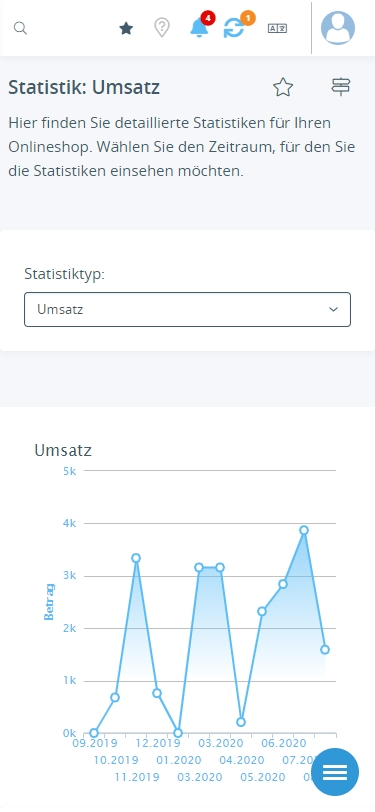
We have also upgraded the back end of JTL-Shop 5 with a new responsive template, deep integration of the JTL-Store extension and an improved search and navigation concept. But more on that later.
Remote (JTL-Shop 4-) functionalities
To make room for the many new features, some of the functions known from JTL-Shop 4 had to go: These include various outdated payment integrations, which we have removed from the core and will only be offered by partners via plugins in the future (e.g. Sofortüberweisung).
You can find a detailed overview of all removed functionalities and libraries (from JTL-Shop 4) listed here.
JTL-Shop 5: The most important new features at a glance
As already mentioned, many of the new features of JTL-Shop 5 are aimed at expanding your front end design options. For JTL-Shop 4 upgraders, the well-known EVO template is still available, but it has been replaced by the brand new NOVA template. This offers you many practical features that are geared towards the current requirements of you as an online store operator. For example, the NOVA template bidsder you a completely revised modal and mobile-optimized configurator, which includes a combined multiple selection and quantity specification.
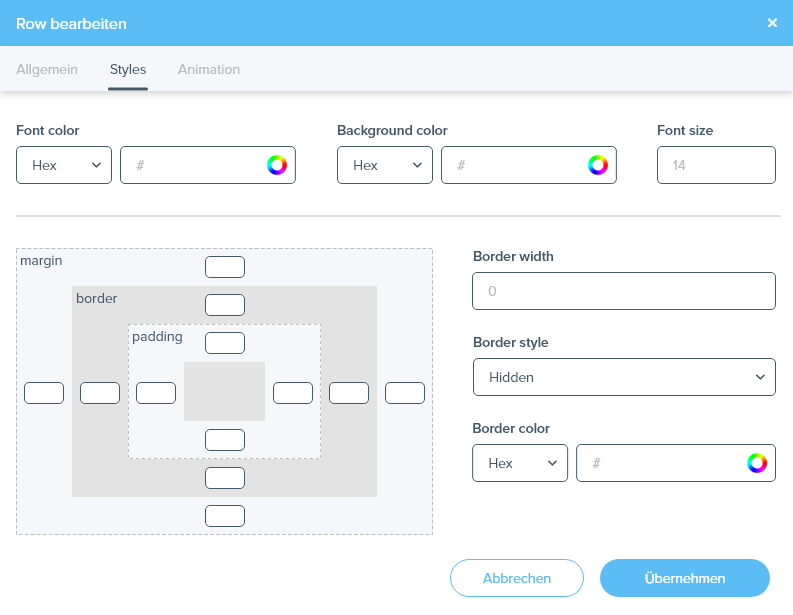
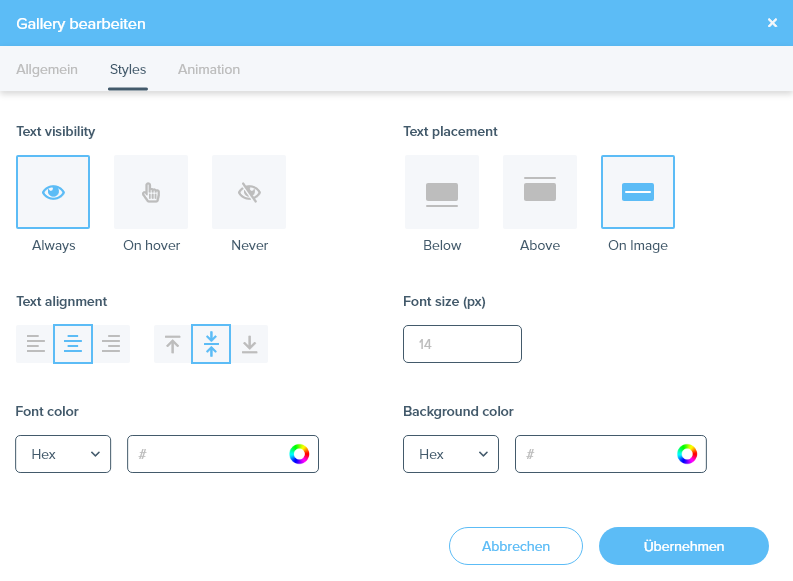
In addition, the now available OnePageComposer works more smoothly with NOVA-Template. You can use it to add design elements directly in the front end of your store – without any programming knowledge. You select individual content (portlets) as if from a construction kit and drag them to the desired position in the store.

Responsiveness is essential for the success of your online store. That’s why we have made both the NOVA template and the back end of JTL-Shop 5 completely responsive. From now on, you can not only work on your store with mobile devices, but your customers will also enjoy a view of your products that is optimized for their smartphone and tablet – which has been proven to contribute to greater customer satisfaction.
Of course, for such a major release as JTL-Shop 5, we have not only worked on visible elements, we have also done a lot under the hood: The character encoding has been changed to UTF-8, with which the shop can now cover significantly more languages than before. For pure JTL-Shop content, this works completely independently as of the release. For content that is transferred from or to JTL-Wawi, the character encoding is available from JTL-Wawi 1.6.
But the technical refactoring with a new class structure and practical helper methods also marks a real milestone for us from a technical point of view.
We have also not neglected the legally compliant work with JTL-Shop 5: Native double opt-in features (features of the JTL-Shop 4 plugin “JTL-Double-Opt-In”), “VIES” as a new EU-wide VAT ID verification method and a native Consent Manager for GDPR-compliant operation when using cookie-dependent services such as YouTube and Vimeo make your online shop even more secure.
Our Consent Manager even has a special feature, as it can be expanded using plugins. New elements with informed consent are listed in the Consent Manager. The plugin only carries out the corresponding data processing if consent has been given. All you have to do is install the relevant plugin. The consent option in the Consent Manager will then be added automatically. This allows your customers to give both permanent consent, which remains valid beyond the session, or temporary consent for a specific service on the page currently displayed.
The last major innovation should be of interest to all those who mainly sell seasonal goods and have previously faced the problem of having to take parts of their product range completely offline at times so that customers were not put off by many products marked as “not available” in the list views, which in turn has a negative effect on Google rankings.
With JTL-Shop 5, it is now possible to make sold-out items disappear from all lists and search results while leaving them available via direct links. This means that customers can continue to make inquiries about availability, for example, and the search engines take the items into account for their ranking.
JTL-Shop 5 - A major milestone in our development
We presented JTL-Shop 5 to you for the first time at JTL-Connect 2018. A lot of time has passed since then and we know that many of you are wondering why we took so long with the release. As already mentioned, JTL-Shop marks a major milestone in our development. For a major release of this magnitude, it was therefore important to us to provide you with a particularly large number of features that will both improve your daily work with JTL-Shop 5 and make it easier for you to manage your templates and plugins.
Preview: JTL-Extension Store
The JTL-Extension Store is not yet available from the release of JTL-Shop 5.0.0-rc.3, but we would like to briefly introduce you to the new administration platform now:
With JTL-Shop 5, we have placed great emphasis on usability in terms of expandability, which we have implemented with the new JTL-Extension Store. Until now, you have purchased plugins or templates from our partners for JTL-Shop via the marketplace in the JTL-Store. Checkout and provisioning then took place via the pages of the respective service provider. With the release of JTL-Shop 5, this structure will change fundamentally: The marketplace in the JTL-Store will now be replaced by the JTL-Extension Store, which we have integrated directly into JTL-Shop 5.
The advantage: With JTL-Extension Store, purchased plugins, templates or portlets for the OnePageComposer can be installed, updated and applied directly in your shop – without having to take the detour via external partner sites or – in many cases – manually upload files to your web space via FTP. In future, you will have a central point of contact for managing all your JTL extensions, in which all your purchases and licenses are clearly displayed.