Pictures sell! And quite literally. Because your product images have an immense influence on your ranking in Google search results – and therefore also on the down payment of your sales. We have put together 7 tips below on how you too can optimize your image SEO. And thus run an “exemplary” online store:
How Google Universal Search has changed our search
To understand how image SEO works, it is first important to understand how Google displays results:
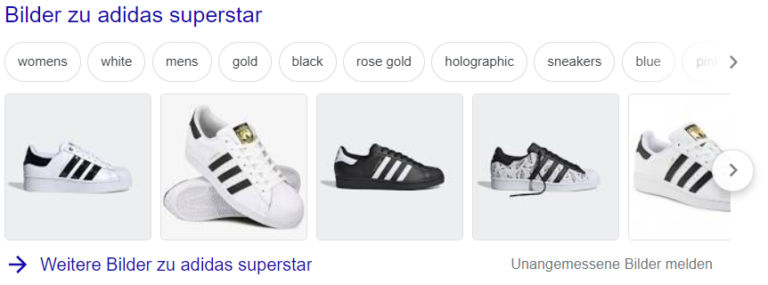
Since April 2007, Google has no longer only listed website links in its search results, but also various media such as videos and images. The intention of this “Universal Search” is to offer the user formats that lead to success as quickly as possible. For searches with a transactional background – i.e. those where Google assumes a purchase intention, for example – the product images in the so-called image OneBoxes serve to direct the user to an online store that offers the product they are looking for.
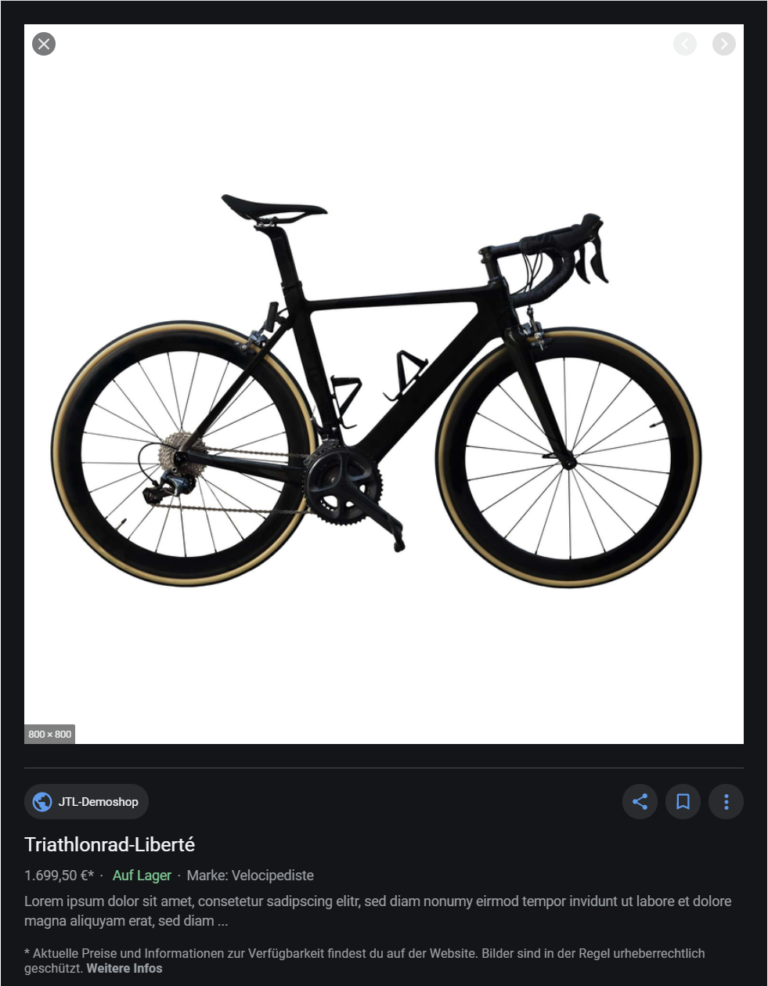
Since August 2019, additional information has been displayed in the side panel of an image, which can be decisive for a purchase:
Why is image SEO important?
According to a Searchmetrics study from 2018, Google Image OneBoxes are displayed in 30% of desktop searches and generate up to 10 times more clicks than the results of the classic Google image search. And yet the traffic share of this type of search should not be underestimated: This amounts to a whopping 22.6 % for classic image searches.
The statistics document this: Images are a ranking factor that should not be underestimated and that you should also take advantage of! And with a few simple tricks, you can quickly and easily optimize your images for search engines and thus increase your sales.
How to optimize your image SEO in 7 steps
1. produce images yourself
To stand out from other image results, it is worth taking your own pictures of your products and avoiding the typical manufacturer images. This may mean more work, but it’s worth it: a professional product presentation with unique images is a basic prerequisite for standing out in the image search – and ultimately generating sales.
2. score points with multiple use
However, the use of self-produced images is doubly worthwhile from an SEO perspective: Google rewards you in image searches if you also integrate your images on external sites (such as social media). And unique image content always does particularly well here!
Multiple use on your internal pages is also a good signal for the search engine of the importance of the image and has an influence on the ranking.
3. optimize image formats
Your product images should be in proportion (height and width) to the original image in every size (thumbnail, preview image, category image, zoom image). This is the only way Google recognizes that the images belong together, evaluates them as a meta image and assigns it a ranking.
In most common image editing programs, it is easy to maintain the ratio even when reducing the size. You should also make sure that you always use the same file type (.jpg or .png) for all images.
4. adjust image sizes and links
The size of the images also has an influence on the ranking: The ideal image should be at least 300,000 pixels in size and not have an edge length of less than 600 pixels.
It is also important that the smaller preview images always refer to the zoom image via a href link. For example:
href reference
<a href=”/path/zoomimage.jpg”><img src=”path/normalimage.jpg” alt=”Image content” width=”650″ height=”650″></a>
If you are using the modern WebP format, which is not yet supported by all browsers, the fallback image must be correctly integrated:
WebP format
<picture><source srcset=”path/myimage.webp” type=”image/webp”><img src=”path/fallback-for-google.jpg” alt=”Image content” width=”650″ height=”650″></picture>
If this all seems cryptic to you, you can still relax: As of JTL-Shop 5, our online shop system does this work for you automatically, so you don’t have to worry about this type of linking.
5. assign alt attribute
The alt attribute of an image is always displayed if the image itself cannot be loaded or displayed. Screen readers also use the content of the alt attribute for people with visual impairments. From an SEO perspective, this attribute, which you assign per image in the back end of your JTL-Shop, is of central importance. The alt attribute should therefore describe the image shown, but also contain the most important keywords.
For example: Blue Adidas women’s sneakers size 41.
Incidentally, the HTML image title also has an impact on the ranking of an image. It appears when the mouse pointer is hovered over the image. Google uses this information, as well as the alt attribute, to better capture and index a page and therefore also to rank it better.
6. pay attention to content signals in the product image
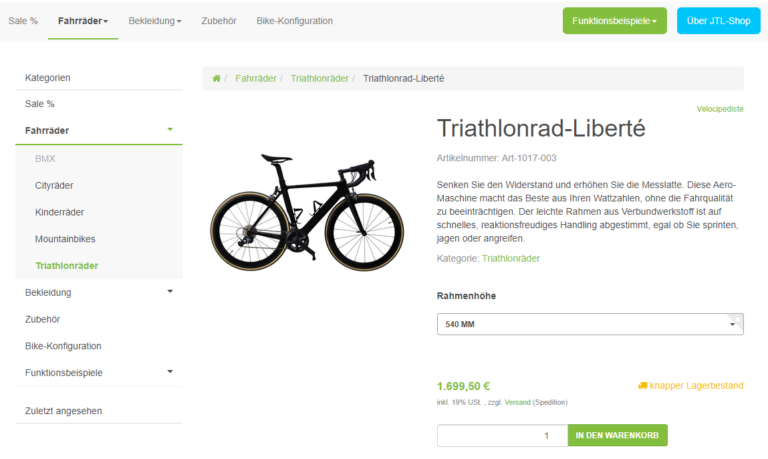
The text placed close to your product images is an important ranking factor. It is therefore advisable to work with captions.
The H1, which usually contains the product name and the corresponding product description, should also be as close to the image as possible.
The position of the image on your page is also crucial: ideally, place it “above the fold”, i.e. in the area that can be seen directly without scrolling.
7. assign image name/file name with care
The weighting of the file name in the ranking has decreased in recent years, but should still not be neglected.
Basically, if you string several words together, use the hyphen (-) as a separator. All terms are also written in lower case and the order of the words indicates the weighting of the respective keywords.
Incidentally, you can neglect the directory name in your image SEO measures, as it hardly plays a role in the ranking.
For which store operators is image SEO useful?
Basically, image SEO is worthwhile for every online store operator. Implementing our 7 tips will improve your ranking bit by bit and boost your sales. Of course, it is easier to implement the measures if you only sell a manageable number of products than if you have a store with several thousand products and a constantly changing range.
Where do I stand with my image search?
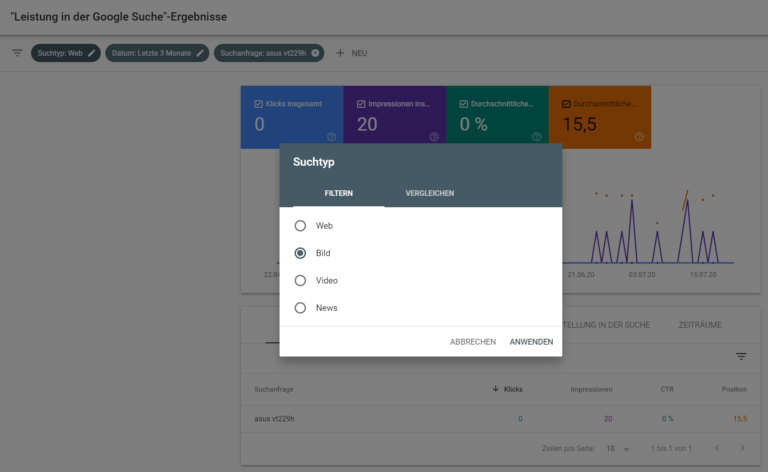
The Google Search Console (formerly Google Webmaster Tools) is a good and free way to find out how your ranking in the image search is developing:
To do this, select the search type “image” in the Google Search Console in the performance report and you can then view the position, clicks, impressions and click through rate of the individual search terms and pages over a period of 16 months.
You can display a development by selecting a comparison period or exporting the data and processing it with Excel, for example.