
Intuitive to use, stylish in design and at the same time feature-rich and clear – with the initial idea for the JTL-Wawi app in mind, the team of mobile developers had a lot planned. “Challenge accepted!” they thought and set to work. Around three years of development later, the effort has paid off. With the release of JTL-Wawi 1.7, the stable version of the app was also recently published. In this interview, Manuel, our Product Owner for JTL-Wawi, talks about the challenges that had to be overcome during the development of the app and what he particularly likes about the solution.
Hi Manuel, thank you very much for taking the time for this interview! First of all, congratulations on the release of the JTL-Wawi app. Could you briefly describe what the mobile Application is all about?
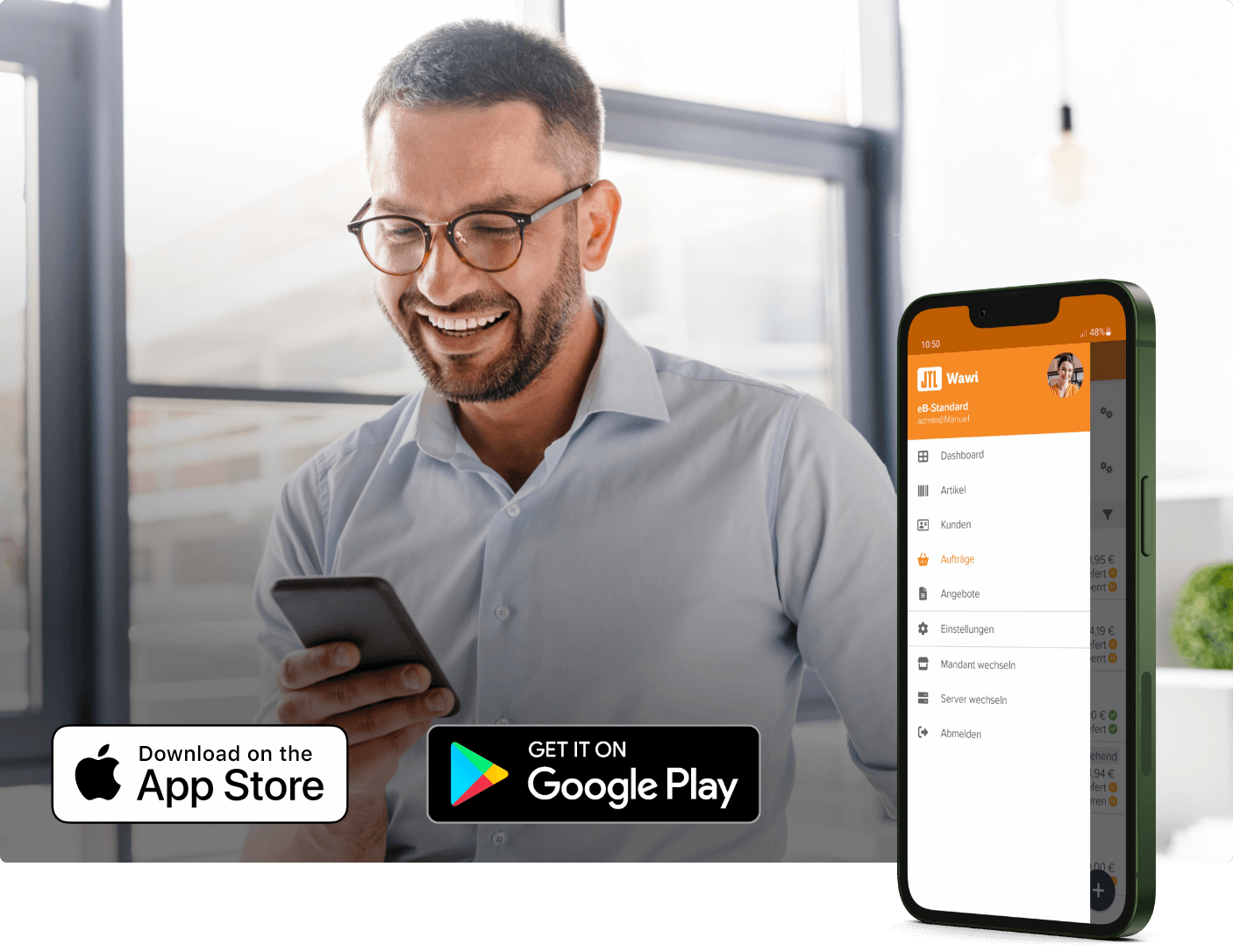
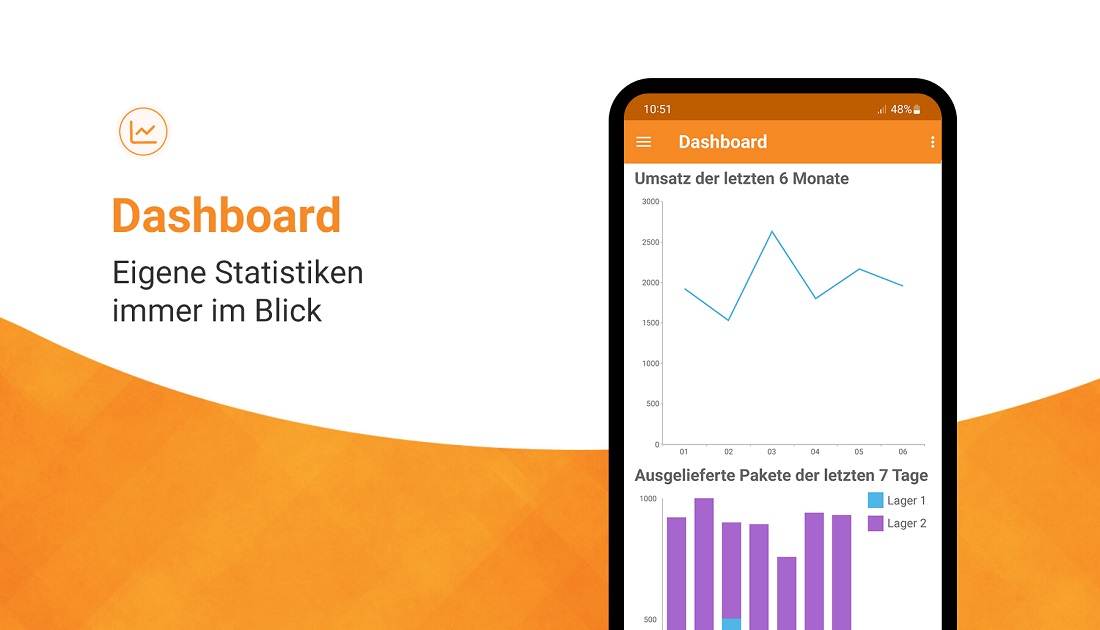
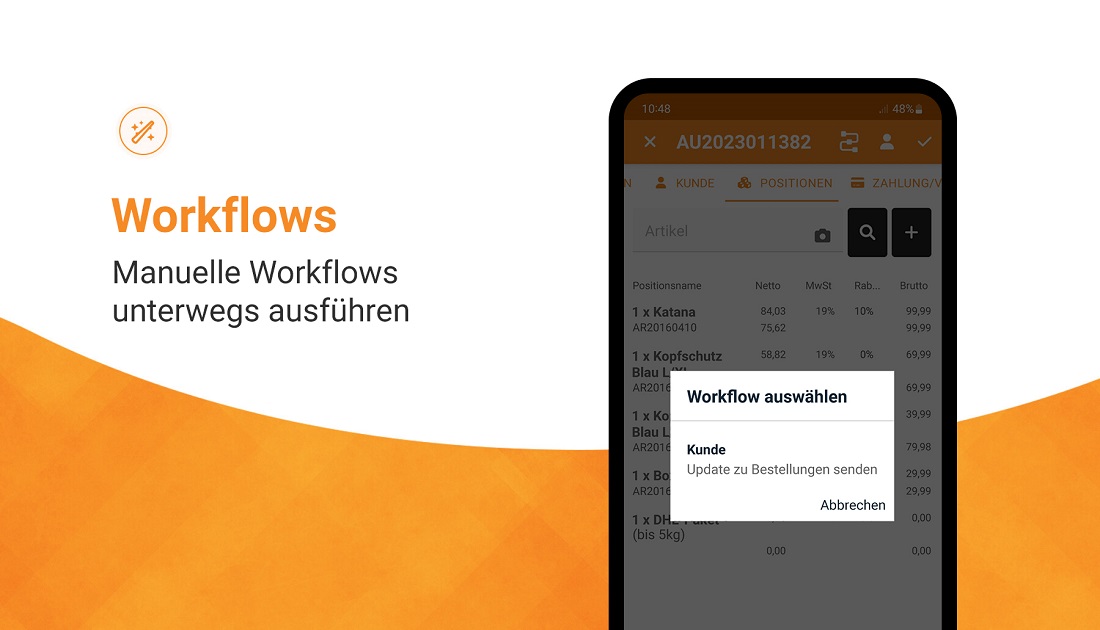
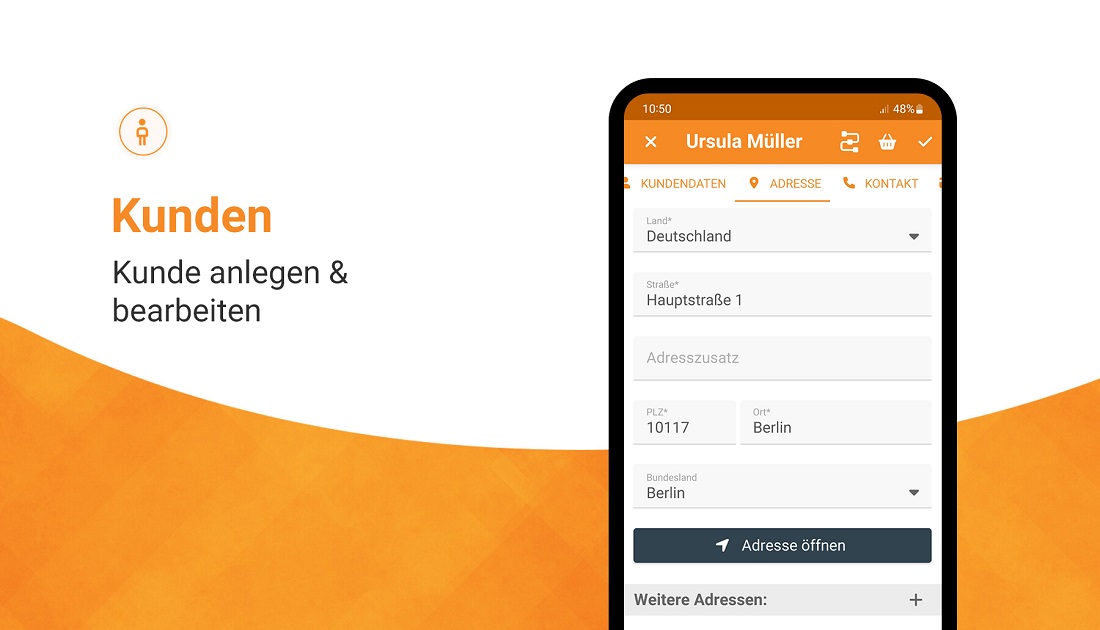
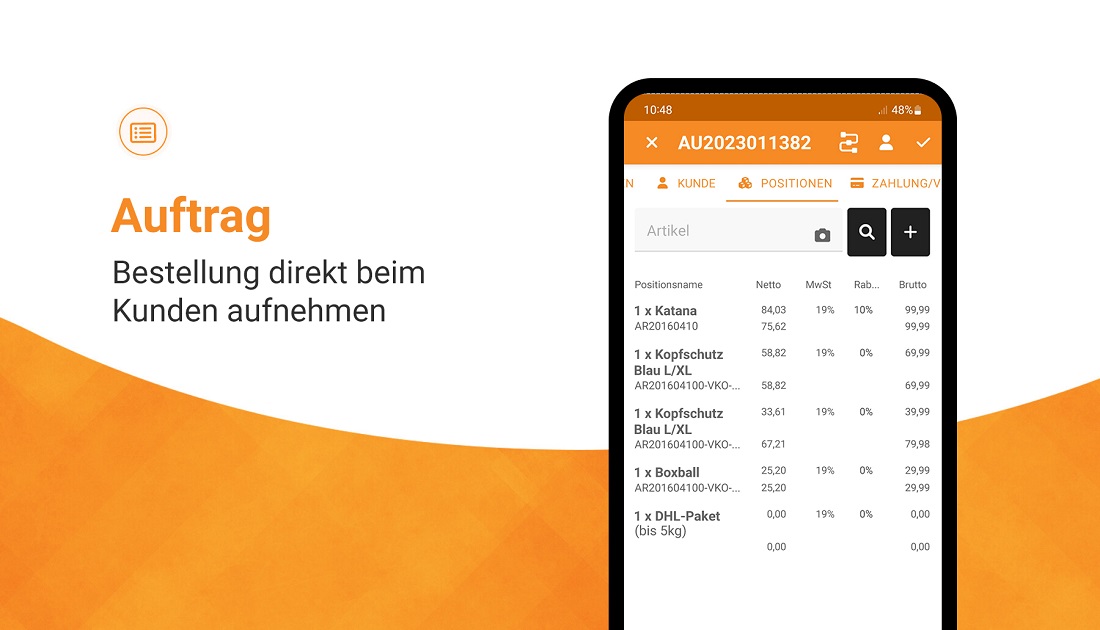
Thank you very much, we are all very proud! The concept behind the JTL-Wawi app can be described in a few words: it essentially includes all the core functions of the desktop version. When you open the app, the dashboard appears. Here you have an overview of the most important key figures of your daily business. This overview can be personalized as desired. You can view, edit and create customers, sales orders and listings. Order histories can also be checked on the go and extensive filter searches with parameters such as “starts with” or “contains” are also possible. Last but not least, manual workflows can also be triggered, for example to send customers a delivery status by email – literally an ERP in pocket format!
Is there something the app can do that the desktop version of JTL-Wawi cannot?
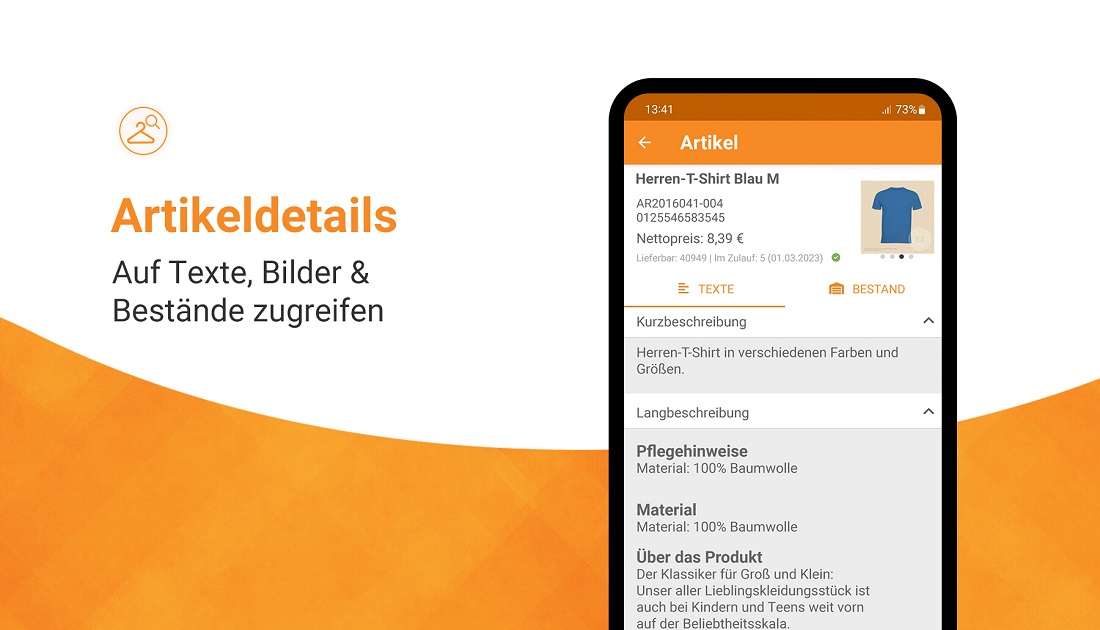
Of course, we wanted to take advantage of the functionalities of a smartphone – for example with the cell phone camera: retailers can add photos of their goods taken directly as an attachment to the sales order. In addition, the JTL-Wawi app turns your smartphone into a bar code scanner. If you don’t have your MDE device to hand in the warehouse, this is particularly practical for quickly and efficiently viewing the necessary information about an item. It is also possible to connect an external bar code scanner via Bluetooth.
Not bad! How do you connect the app to your desktop version of JTL-Wawi or to the database?
First of all, you need at least version 1.6 of JTL-Wawi and a stable internet connection. However, if you want to use the full functionality of the app, you should use JTL-Wawi 1.7 right away. To connect the smartphone or mobile device to your own server, you register using a QR code to show the server that a secure connection exists. This procedure has also proven itself with our checkout app JTL-POS.
How does data synchronization work?
No data is stored directly on the user’s mobile device, but only temporarily in the device’s random access memory. This has several advantages: All information is always up to date and this approach is also cleaner in terms of data protection, as no personal data is stored on the device. There is also no risk of losing data if you lose your cell phone. Of course, this requires a stable Internet connection. Here, however, we have ensured that the data transfer rate is as low as possible, for example by keeping the resolution and size of images as small as possible.
How did the idea for the JTL-Wawi app come about?
JTL founder Thomas Lisson provided the impetus for the project back then. We wanted to develop a solution for retailers in the field that would allow them to create all important data or sales orders via the app, for example, when talking to customers on site, at trade fairs or simply on the go. These are then processed directly by employees in the office. That was the initial spark – from there, we gradually fleshed out the requirements and the concept.
What were the biggest challenges during development?
As with any mobile Application, user guidance and usability always play a decisive role. People are generally more impatient on a smartphone than on a desktop PC because apps are often used on the side. Even if you are standing on a crowded train station platform, holding your smartphone in one hand and your coffee or suitcase in the other, you should be able to understand the user guidance. This is particularly difficult with an ERP system, as it is a complex tool by nature. We constantly had to find a balance between functionality and usability, regardless of the screen size on which the app is used.
As we worked closely with our community during the developmentworkedworkedcommunityit was also necessary to decidewhich user wishes we can implement with the resources available can. Our customers is very heterogeneous. Depending on the industry and company, something different is important for everyone in JTL-Wawi. is important. For the different needs we had to develop a basis. In doing so, we decided early on to offer customization options. If you want, you can show and hide fields or tabs, depending on what you need for your daily work.
How did you tackle this challenge?
Fortunately, our developers have an excellent feel for design and user guidance in the mobile sector! As product owner, I only had to communicate the requirements and on this basis they came up with really great and simple solutions that I personally would never have thought of.
For example, one of the most important requirements was to be able to access and react to data quickly, no matter where you are in the app. If you think about how interlinked the different areas in JTL-Wawi are, I think we have solved this very well. Within the app, you can quickly jump back and forth as required and have as few operating paths as possible.
What do you like most?
For me, the ability to save photos taken as item images or as attachments in the sales order is a highlight. We have thus made good use of the functionalities of smartphones. The view in the sales order is also very successful. You can jump from the sales order to the customer master and quickly make adjustments there. In addition, the icons speak for themselves and simply look harmonious.
I would also like to highlight the manual workflows in particular, as they offer a whole range of customization options for retailers when designing their processes – even on the go!
What is planned next?
We first want to observe how the app spreads. Now that Corona is slowly but surely no longer determining everyday life and personal meetings and events are taking place, the app will certainly get around at one or two events. Once we have gathered more feedback from the JTL community, we will know which ideas we want to tackle first. At the moment, we definitely want to fine-tune the usability and round off the existing functions. After that, we will focus on optimizing the setup process and simplifying the sales order.
Anyone who would like to make suggestions for improvements or share their experiences and impressions can do so directly via the app’s feedback function or by emailing us at feedback-jtlapp@jtl-software.com. We look forward to any input and are very excited!
You still have a lot planned! Thank you very much for the interview Manuel and see you next time!






