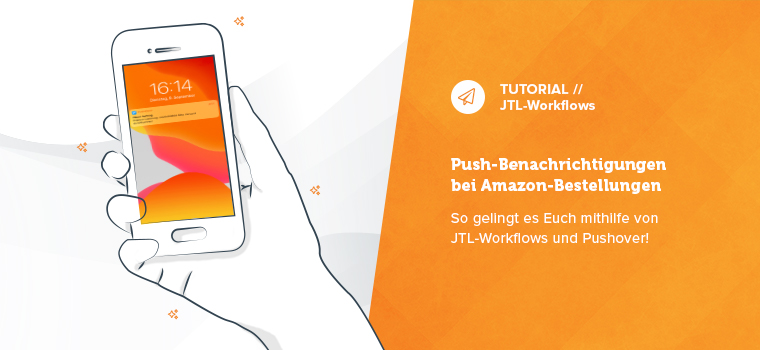
Amazon orders must be shipped quickly as prioritized orders. We have created a new tutorial for you so that you don’t miss any of them in the future: With the help of JTL-Workflows in JTL-Wawi and a push notification service such as Pushover, you can easily have notifications sent to your mobile device. And you can process all Amazon orders before the pick-up service arrives at your door.
Extension of the "Lamp tutorial"
In the spring, we presented a tutorial from our customer Matthias Vogel from Aimplify: He had developed a workflow with which you can control JTL-Wawi so that a lamp lights up clearly visible for new Amazon Prime or Express orders.
With Amazon Prime or express orders, we always had the case of new sales orders coming in just when the express driver was almost on the mat. To prevent them from getting through, I looked for a way to clearly and conspicuously signal this in the warehouse.
Matthias’ idea was extremely well received by you, so I sat down with a colleague to expand the tutorial for you. We use JTL workflow(s) in JTL-Wawi and a push notification service such as Pushover.
Prompt and more direct notification than with IFTTT
No need to purchase additional hardware
Different notification types possible
Notifications are played out regardless of location
Good attention than with an email notification
Notifications can be paused outside of business hours
The advantages of Pushover
As the name suggests, you can have push notifications sent to your mobile device via a service such as Pushover.
For the following tutorial, you can of course continue to follow the path suggested by Matthias via IFTTT – if you don’t mind a corresponding time delay. For more direct notifications, however, we recommend Pushover.
The group definition in the Pushover back end also allows you to send notifications to multiple users in groups. For example, you can also send the message that new Amazon orders have arrived to your employees in the warehouse.
Set up push notifications and JTL-Workflows! This is how it works:
Register on Pushover and install the corresponding app on at least one mobile device.
Now switch to JTL-Wawi and create a workflow analogous to Matthias’ “Lamp tutorial”. This can be found in the following PDF under “Part 2 – Creating a workflow”.
Below we have explained the bold marked components of this line in more detail:
API TOKEN: Please replace with the token that was generated for the JTL-Wawi application.
USERID: Please replace with the user token
message= Amazon Prime order: {{ Process.master.sales order ID }} = The message text including variable that you would like to receive as a push message
title=New sales order: The title of the push message
For example, priority=1, as in the example above, is a message that pops up and plays a sound even if the “silent hours” are actually activated.
Priority=2 generates a message that is repeated (including sound) until the user actively confirms it. This is particularly suitable for very critical messages.
sound=incoming: Sound to be played when a push message pops up. The available sounds with sound examples can be found here.
If you have implemented all these points correctly, a push notification can look like this:
Do you have your own ideas on how our products can be enhanced with corresponding tutorials and have you already put them into practice? Then share them with us and our community. The best way to do this is to use our Facebook group for a lively exchange: